Engineer Factory · Built-in plug-ins
24 plug-ins, included with the DAW
All 24 are part of Engineer Factory and included in every access - in one consistent design, with presets, Listen modes and an AI Assistant button in every window.
EQ & dynamics
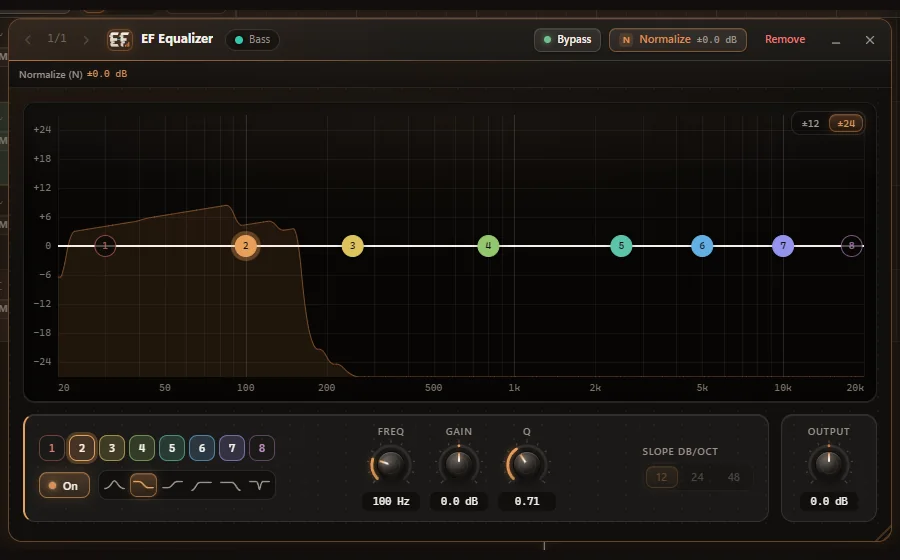
Equalizer
8 bands with a live spectrum.
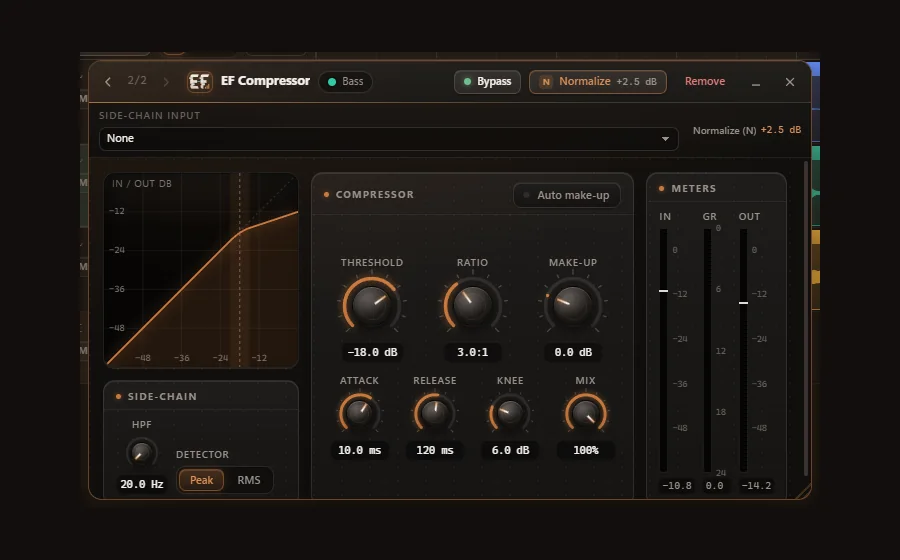
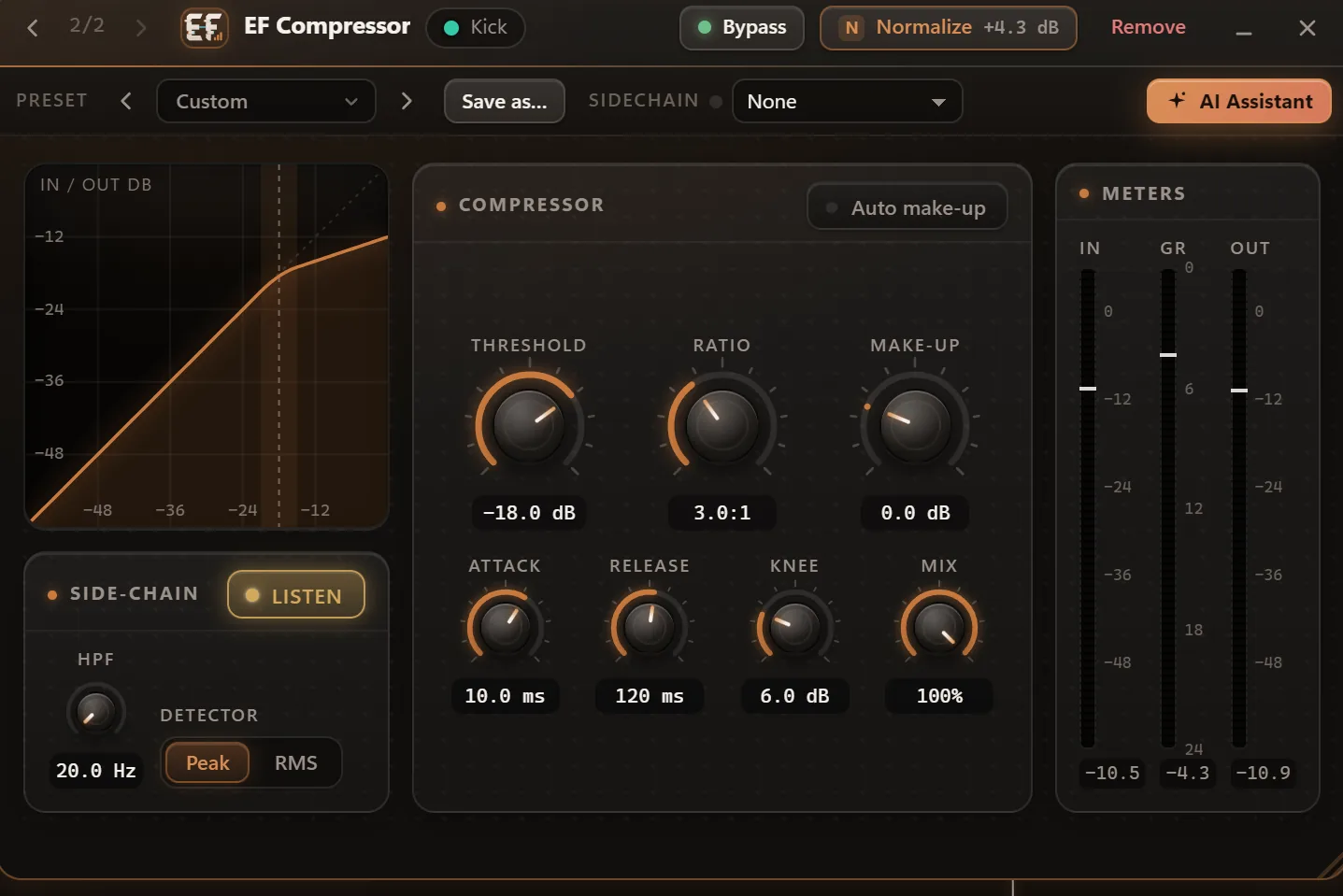
Compressor
Controls the dynamics of a track or a bus. With side-chain input.
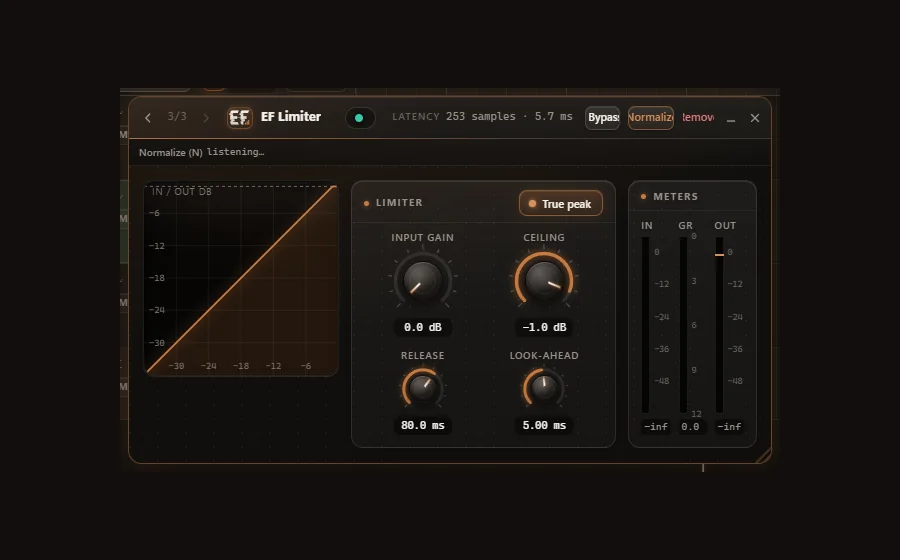
Limiter
Look-ahead and true-peak mode for a safe master.
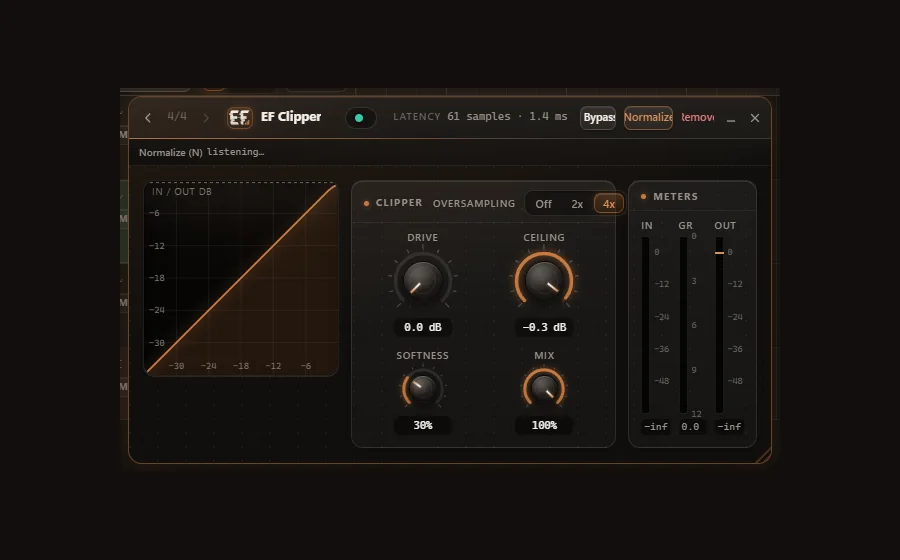
Clipper
Catches peaks cleanly, with oversampling.
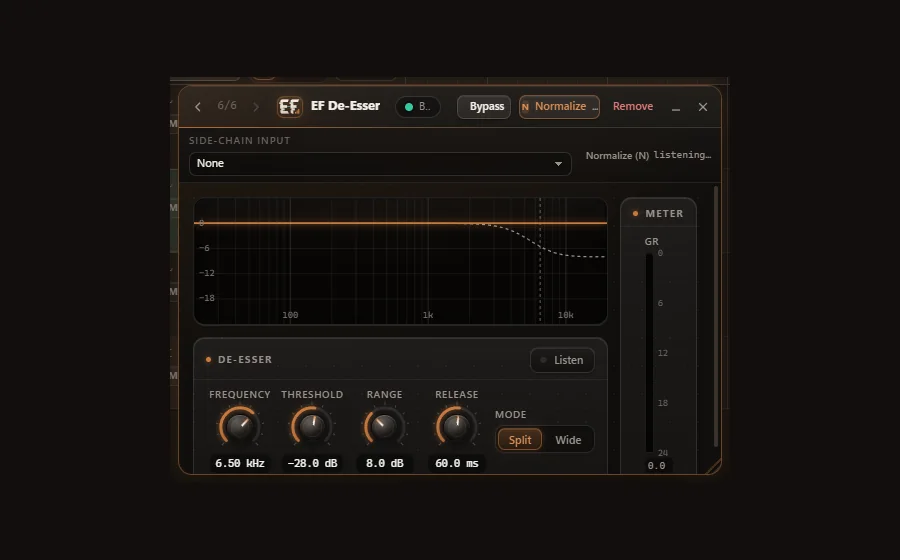
De-Esser
Tames harsh sibilance. With side-chain input.
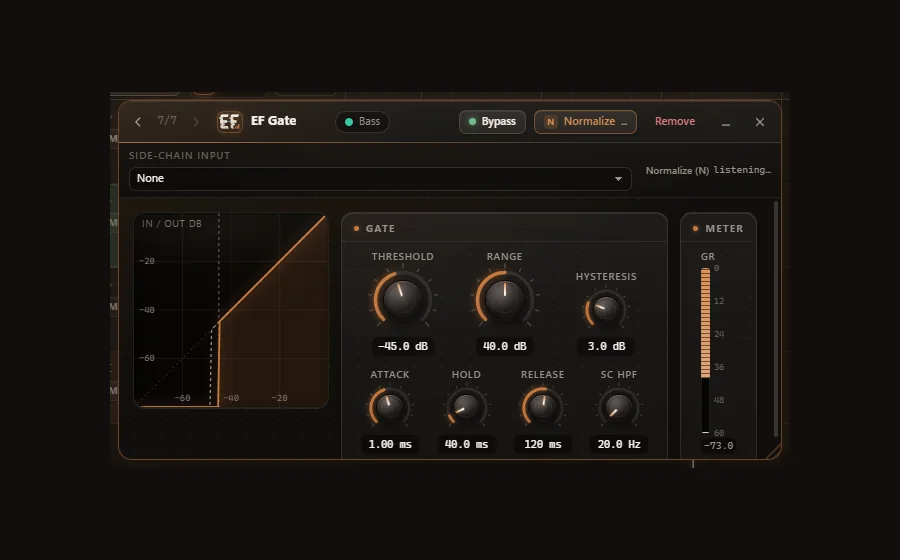
Gate
Closes when the signal drops below the threshold. With side-chain input.
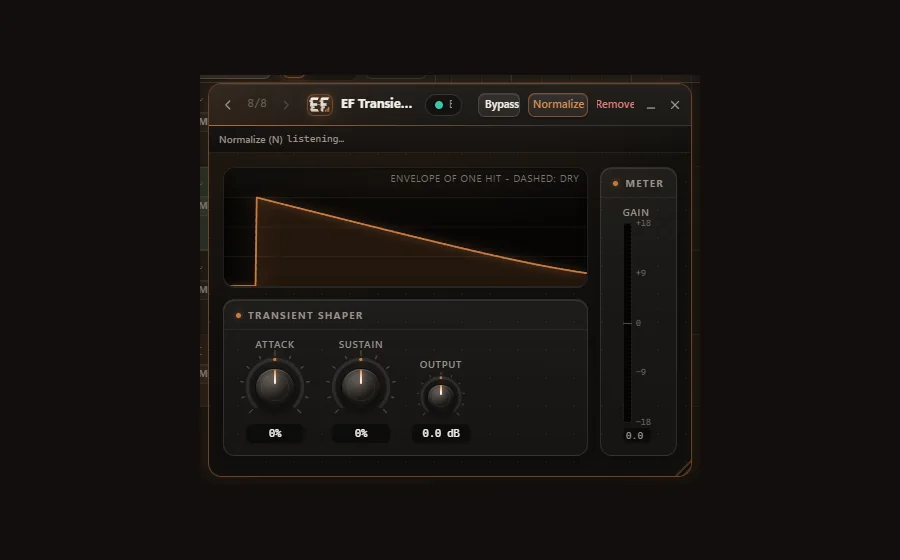
Transient Shaper
Shapes attack and sustain.
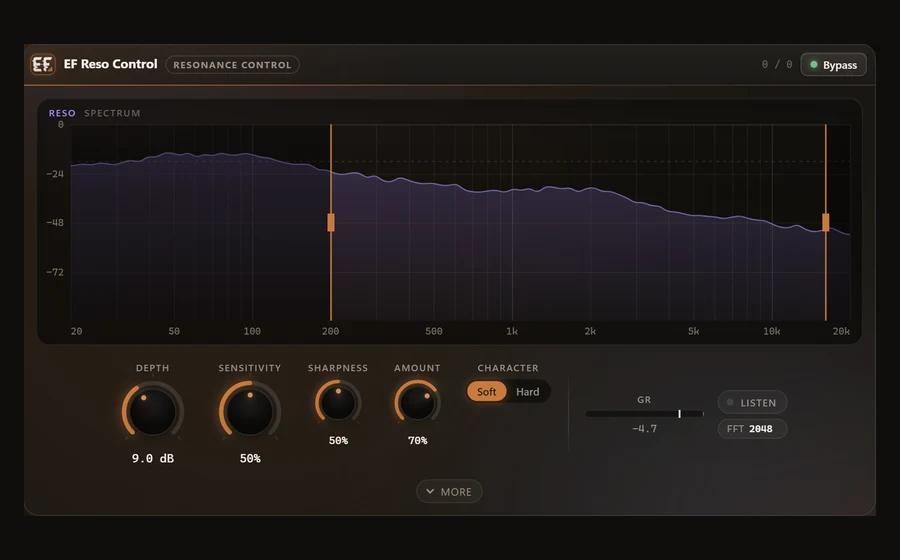
Reso Control
Tames harsh resonances dynamically - on vocals, hi-hats, guitars and synths, for example.
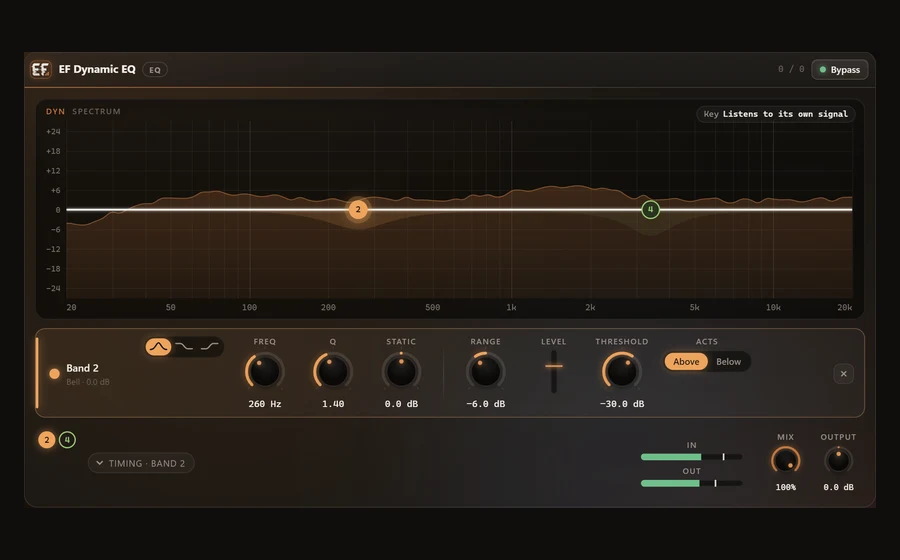
Dynamic EQ
Six bands that move only when their own frequencies are too loud - de-harsh, de-mud, or duck one band with a side-chain.
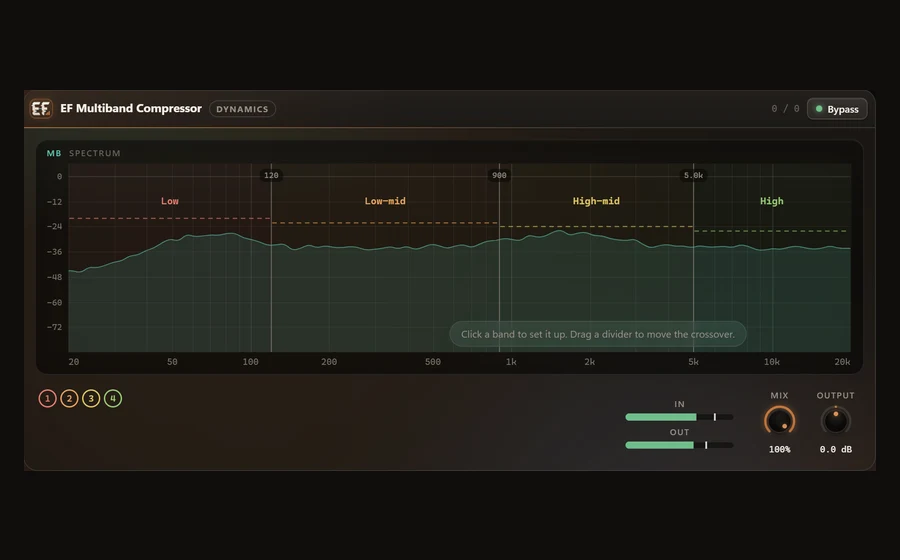
Multiband Compressor
Four bands with phase-aligned crossovers, each with its own threshold, ratio and timing - plus solo and bypass.
Saturation, modulation, reverb & delay
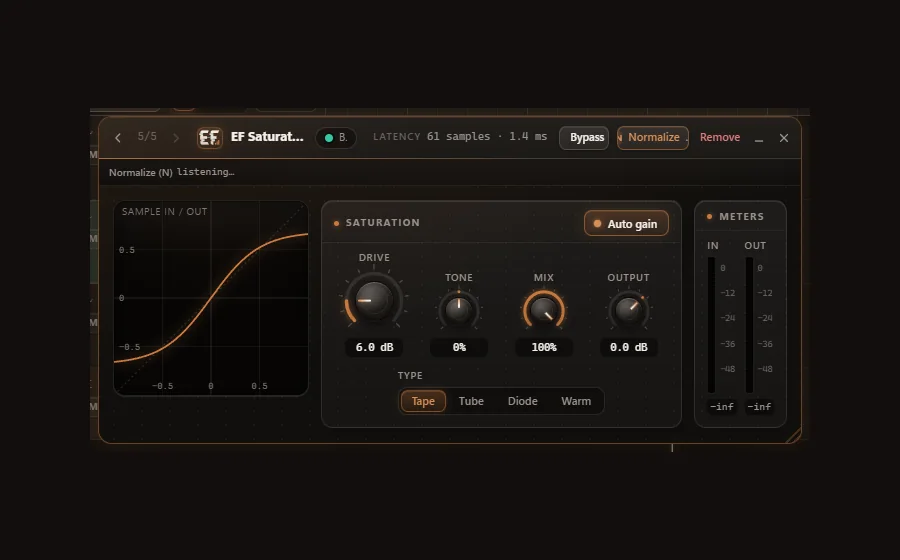
Saturation
Tape, tube, diode and warm - with oversampling.
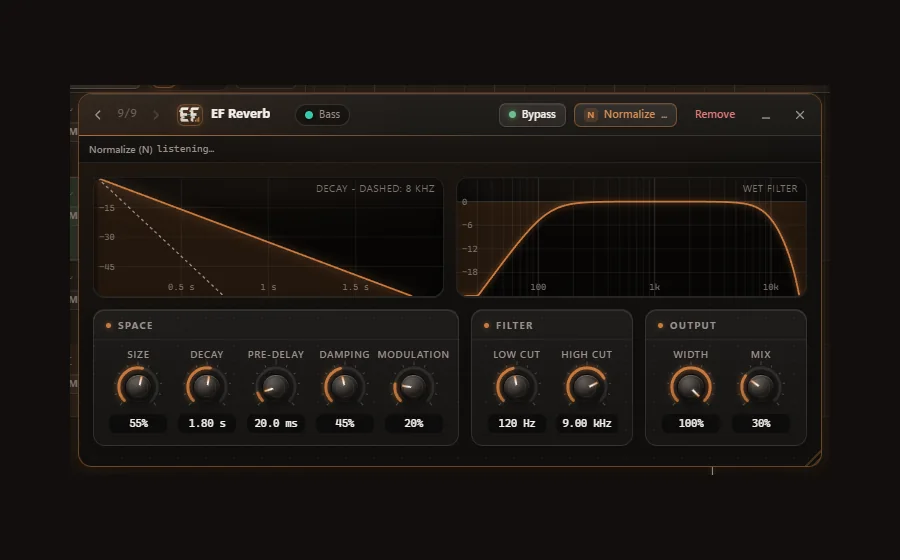
Reverb
Space and depth for any source.
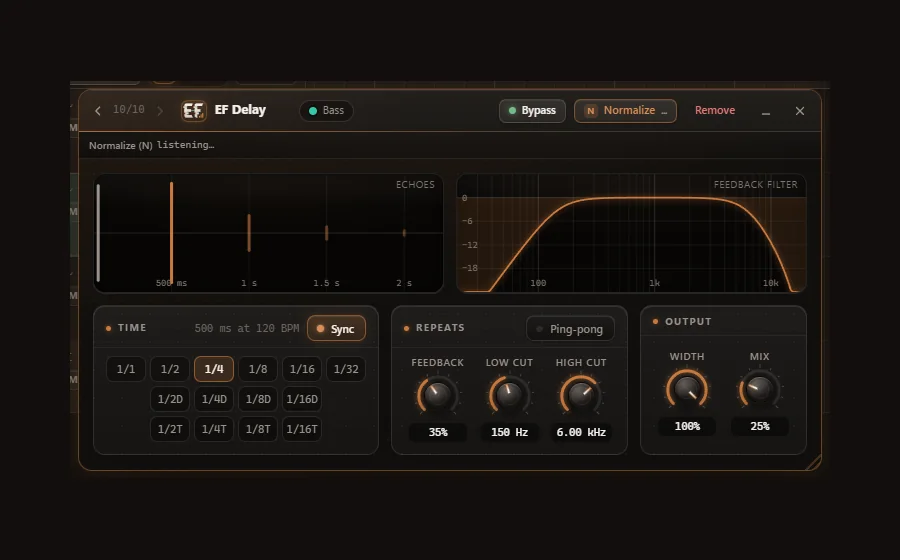
Delay
Tempo-synced, with ping-pong.
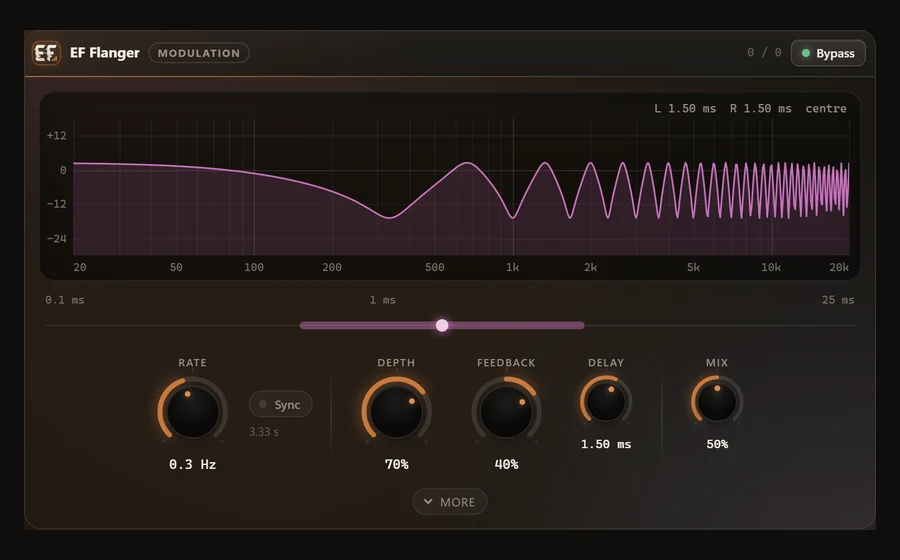
Flanger
From a classic jet sweep to subtle motion - at its own rate or in sync with the song tempo.
Stereo & utility
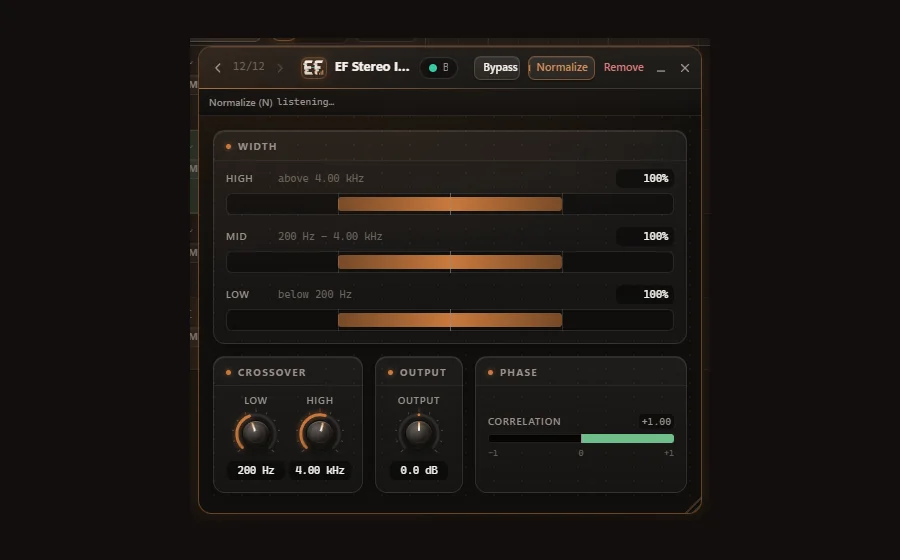
Stereo Imager
Stereo width in 3 bands, with Stereoize for mono sources.
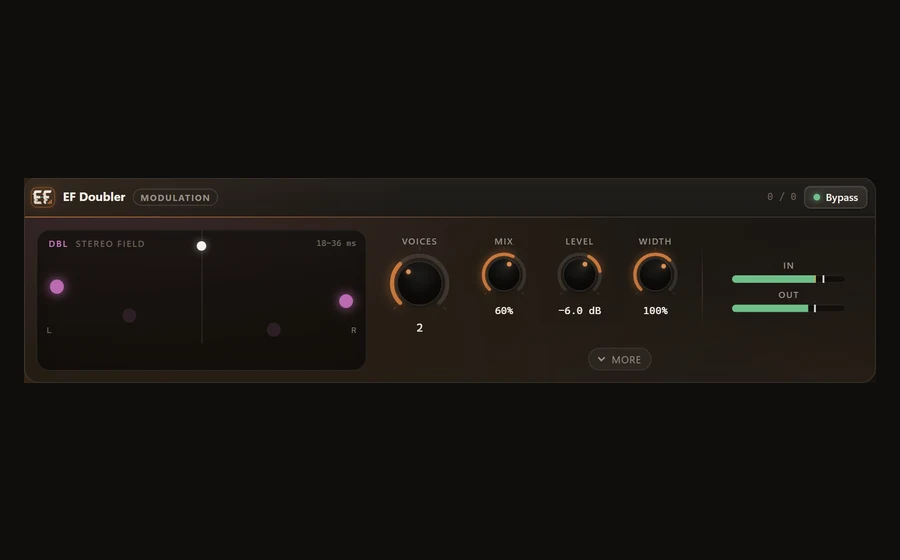
Doubler
Makes a double from a single take: up to four voices with their own timing and pitch drift, tone and stereo position.
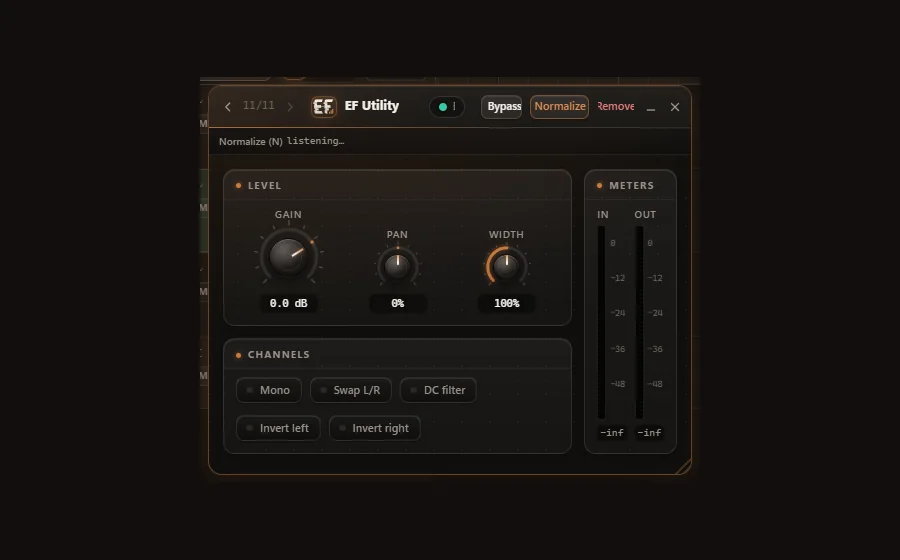
Utility
The handy helper in the signal path.
Metering
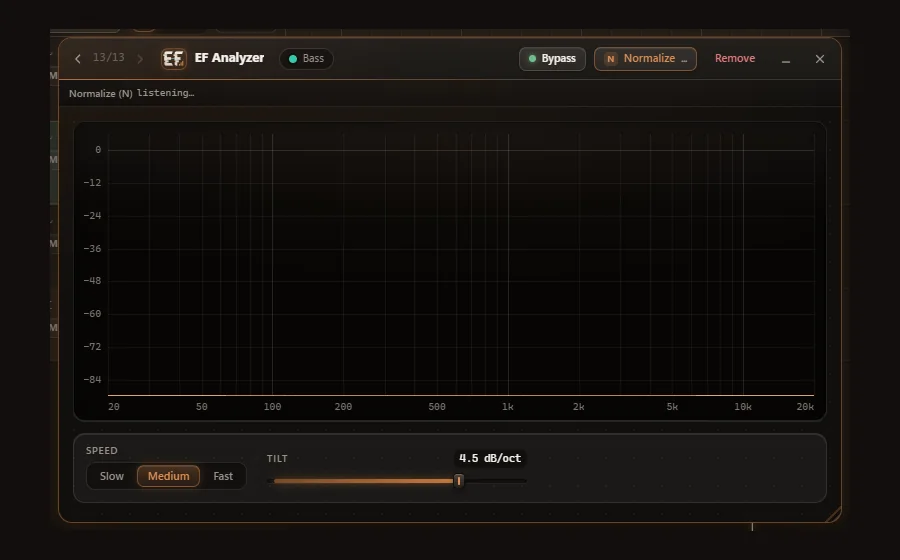
Analyzer
Shows what is happening in your signal.
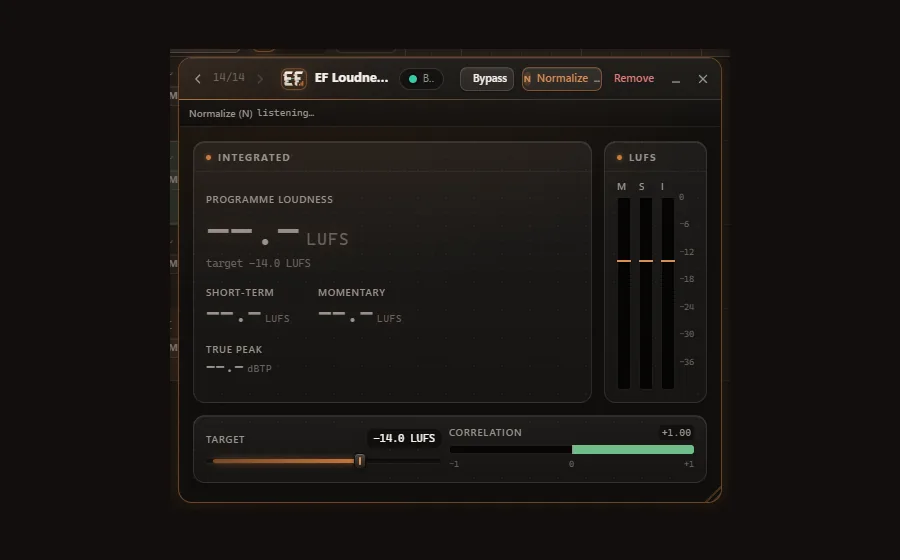
Loudness Meter
Loudness to EBU R 128.
Processors & instrument
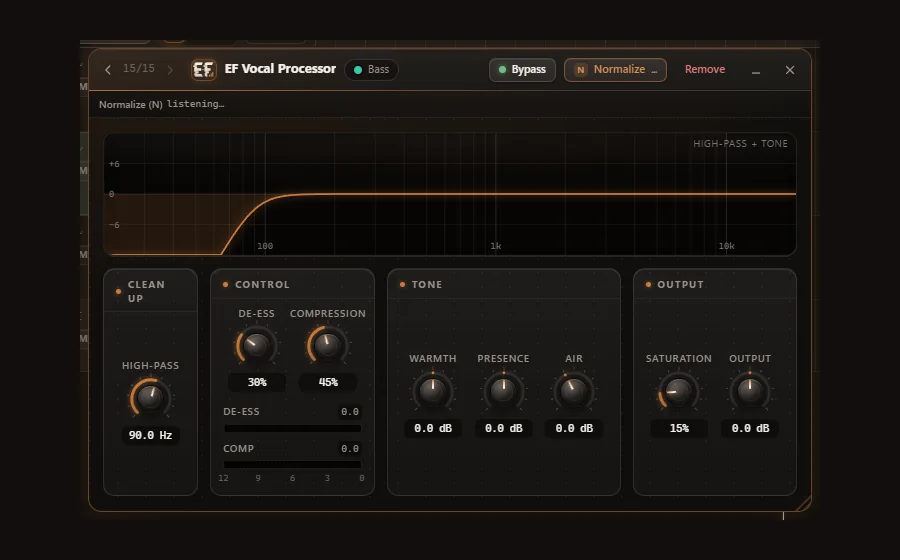
Vocal Processor
Vocal processing in one plug-in.
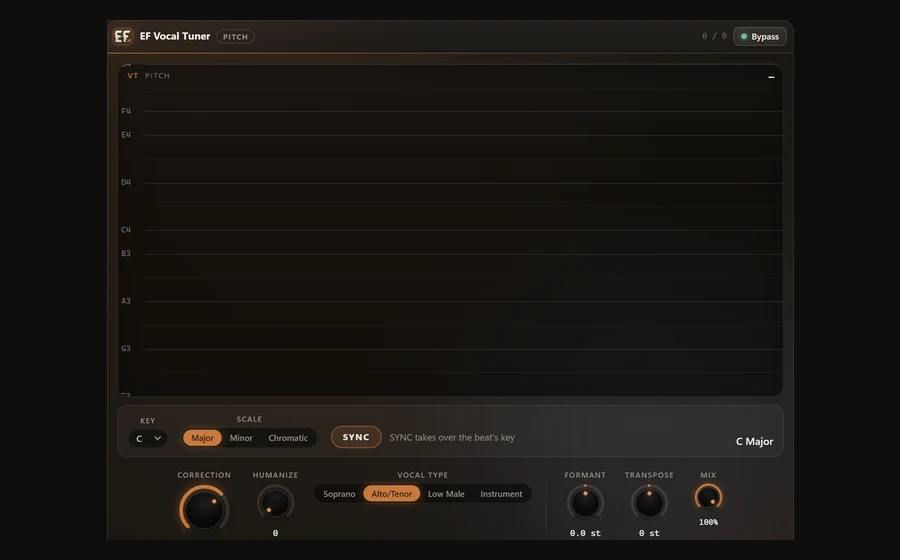
Vocal Tuner
Pitch correction for vocals: pulls every note onto the beat's key (SYNC detects it automatically), from natural to hard tune and beyond in Ultra mode, with Humanize, Formant and Transpose.
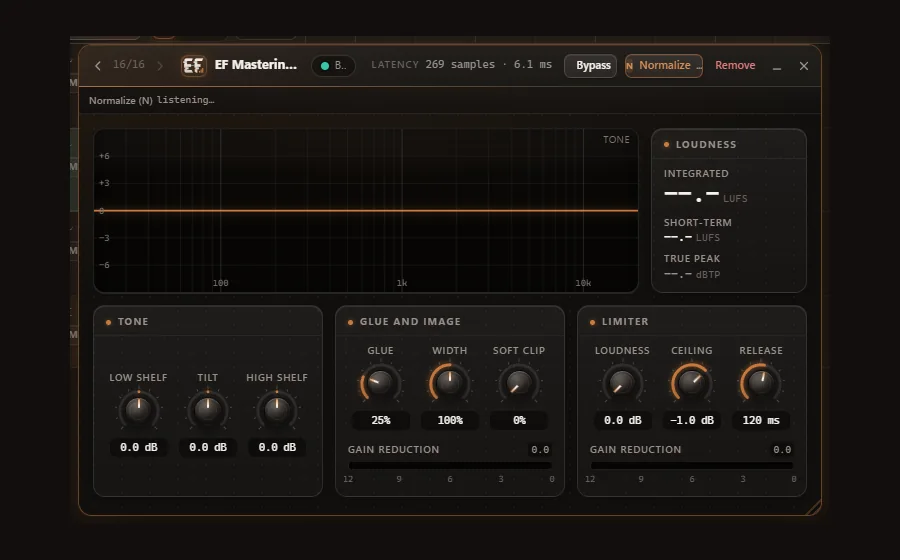
Mastering Processor
Master processing in one plug-in.
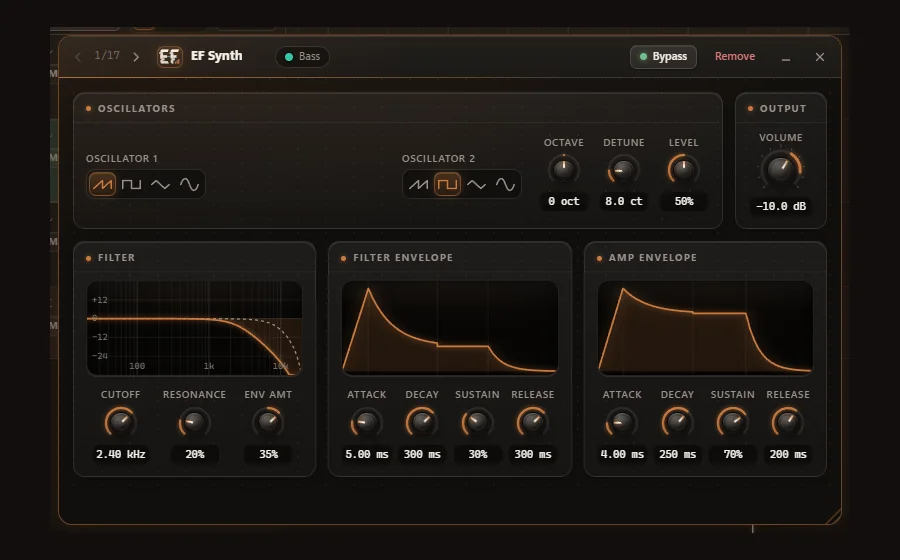
Synth
The built-in synth - an instrument track plays instantly.
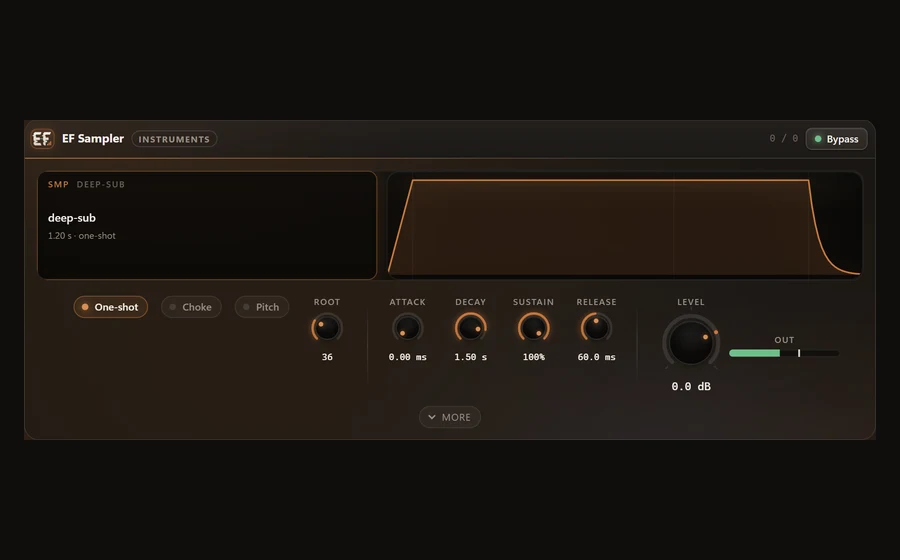
Sampler
The built-in sampler: one sound played by MIDI - a one-shot drum with choke, or a pitched 808 that follows the note.
Presets for every plug-in
Every built-in plug-in comes with factory presets, and you save, rename and delete your own. With third-party VST3 plug-ins their presets and their own programs come on top.
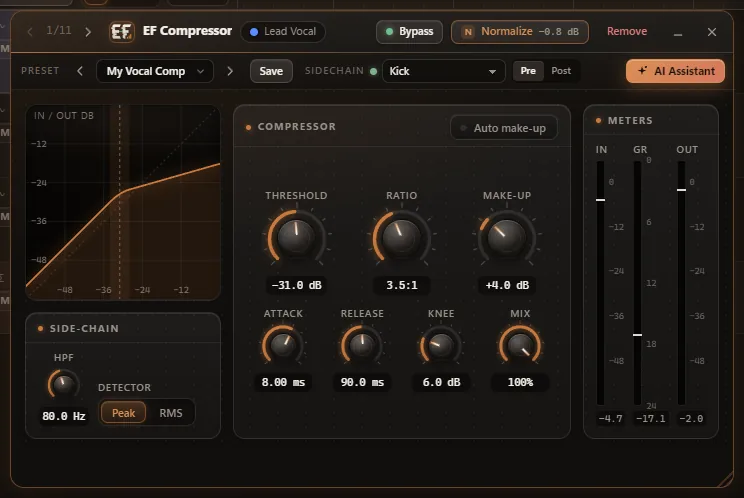
Listen modes
Hear exactly what is at stake: a single EQ band, the side-chain signal, the effect alone - or only what the plug-in is taking away.
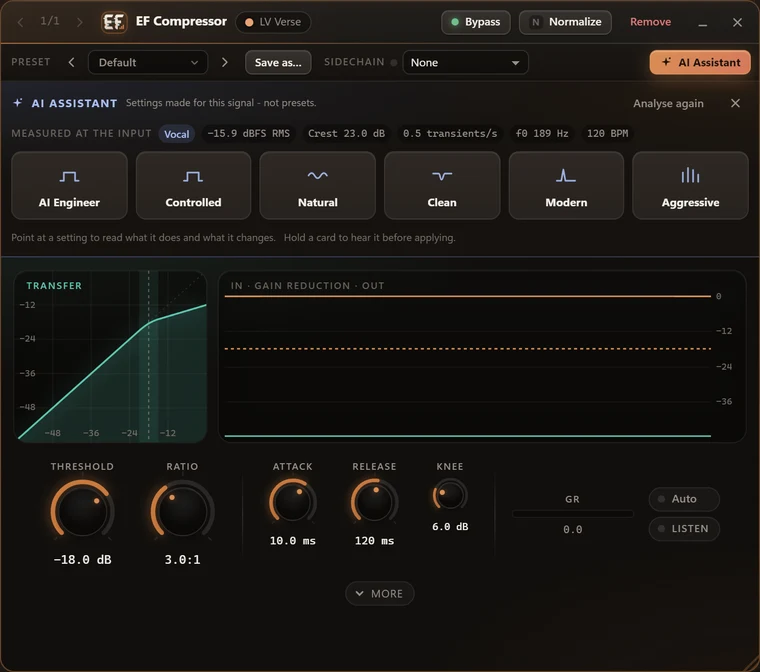
The AI Assistant button
In every compatible plug-in, one click measures the signal and offers 3-5 fitting variants - each one a card with an icon and a short name, and the whole card is the button. Press and hold a card and you hear the variant first, in A/B against the sound before; a click applies it as one AI step you can undo. Below the cards, one line says what the selected card does.
Included in every access
The plug-ins are part of the DAW and included in every access. They are not yet available as separate VST3s for other DAWs.
B, N and a signal fader on every slot
Bypass without clicks, switch off to save CPU, compare at matched loudness with N, and blend dry and wet with the signal fader. One click bypasses a track's whole chain, and every plug-in keeps its settings. Copy, paste or replace the whole chain - onto another track too, in one undo step. Compressor, Gate and De-Esser also accept a side-chain.
More on the plug-in chainYour own VST3 plug-ins work too
Engineer Factory runs your VST3 plug-ins with automatic latency compensation. Their own interface opens right inside the DAW window, with presets, side-chain and bypass - in the size the plug-in asks for. Even very large plug-in packages are scanned completely. Missing, unlicensed or faulty plug-ins are skipped, and your project still opens. Find them quickly by search, category, vendor, favourites or recently used. VST2 and AU are not supported.
More on plug-in supportDownload the desktop DAW
For Windows 10 and 11 (64-bit) and macOS 11 or newer. You need your Engineer Factory access. Rather not install anything? Start right in your browser.
Version 3.27.4 · Windows 10 and 11, 64-bit · macOS 11 or newer
The desktop version with additional features - download with your Engineer Factory access.