Skip to content

For Windows 10 & 11

Engineer FactoryThe AI-native DAW

Record, edit, mix and master in one DAW - with an AI Engineer built in. AI Mixing, AI Mastering and Mixing + Mastering measure your tracks and suggest concrete changes. You decide what is applied, and every change can be undone.

Version 2.1.0 · 83 MB · Windows 10 & 11, 64-bit

Downloading and using it requires an account with a valid licence.

  • AI Mixing & AI Mastering built in
  • VST3 support
  • 17 built-in plug-ins
  • Your audio stays on your computer
Engineer Factory: the arrangement with tracks, the mixer and the AI Engineer with suggestions for the lead vocal

Why Engineer Factory

An AI that listens first - and leaves the decisions to you

It measures before it suggests

The AI Engineer analyses your tracks - tone, loudness, dynamics, stereo image and how they mask each other - and explains every suggestion with what it measured.

It works with your plug-ins

It adjusts the plug-ins already on your tracks - built-in or third-party VST3 - and adds built-in ones where needed. If it cannot control a plug-in, it tells you.

Every change can be undone

Nothing changes until you apply it. Each change shows its values before and after and can be undone on its own.

Built into the DAW

AI Mixing, AI Mastering, Mixing + Mastering

Three modes, one way of working: right in your project, with your tracks and your plug-ins.

MIXING

AI Mixing

In MIXING mode the AI Engineer works on your mix: it measures your tracks and suggests changes you apply one by one.

MASTERING

AI Mastering

In MASTERING mode it works on the master: it measures it and suggests the steps - each with its values before and after.

MIXING + MASTERING

Mixing + Mastering

MIXING + MASTERING combines both in one pass: first the mix, then the master.

AI Engineer

Say what you hear. See what changes.

Describe what bothers you or what you are after. The AI Engineer measures, suggests changes, and you apply them one by one or all at once - always with the values before and after in view.

  • Understands requests in English and German
  • Assistants for track, mix, vocals, drums, bass and master
  • Apply all, apply one, or ask for an explanation first
  • Prefers adjusting a plug-in you already have over adding a new one
How the AI Engineer works
The AI Engineer showing measurements of the master output: loudness, true peak, crest factor and correlation

CopyFX · Vocal reference matching

Your vocal, closer to the sound you love

Load a reference - a vocal stem or a complete song. CopyFX analyses how its vocal is processed, compares it with yours and builds a plug-in chain that moves your vocal towards that sound. You decide how far it goes.

  • Works with a vocal stem or a full mix - the vocal is isolated for you
  • Shows how close you are as a match in percent
  • Uses your own plug-ins where they fit, otherwise the built-in ones
  • Preview with A/B, apply in one step, undo at any time
How CopyFX works
CopyFX in Engineer Factory: the reference vocal, the target track and the match with scores for brightness, warmth, presence and air

Plug-in chain

Every plug-in in order. Every slot under control.

See a track's plug-ins in the order they process. Reorder them by drag & drop, switch them off, compare them fairly - and let the kick drive the compressor on the bass.

  • B bypasses a plug-in without clicks; Alt+click switches it off completely and saves CPU
  • N matches the loudness, so you compare the sound, not the volume
  • A dry/wet fader on every slot
  • Real side-chain routing and automatic latency compensation
The plug-in chain in detail
The plug-in chain of the bass track: an EF Compressor driven by the kick, with the B, N and signal fader controls, next to the AI Engineer

The DAW

From the first take to the finished master

Engineer Factory is a complete DAW - the AI Engineer is part of it, not an add-on.

Recording & editing

Record audio and MIDI, pick the best take, edit without losing anything.

MIDI

Piano roll, quantize and a built-in synth - so you hear something right away.

Mixer & routing

Faders, sends, buses, side-chain and loudness metering on the master.

Automation

Automate volume, pan, sends and plug-in parameters.

Plug-ins

VST3 support with automatic latency compensation and a safe plug-in scan.

Export

WAV, FLAC and OGG Vorbis - normalised to your loudness target.

Projects & safety

Safe saving, automatic backups, autosave and crash recovery.

Workflow

A command bar, familiar shortcuts and a reference track to compare against.

Built-in plug-ins

17 plug-ins included

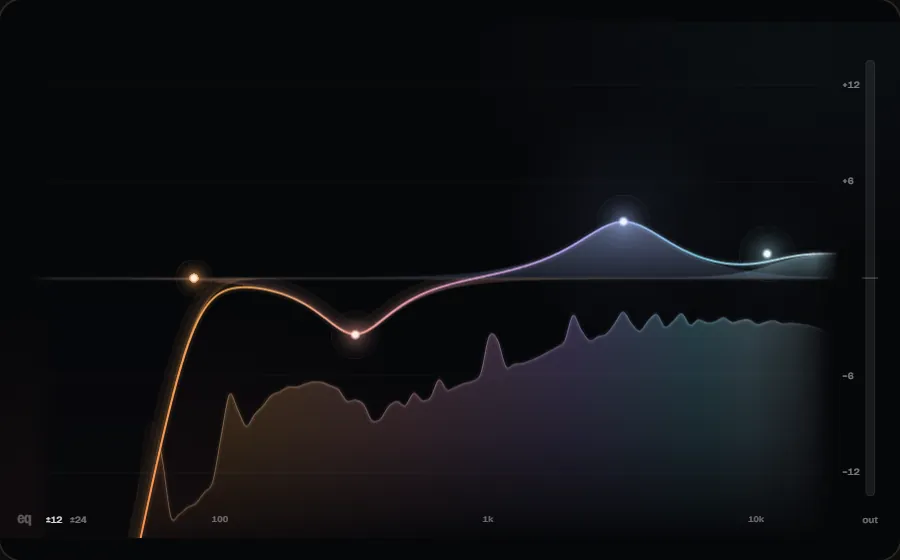
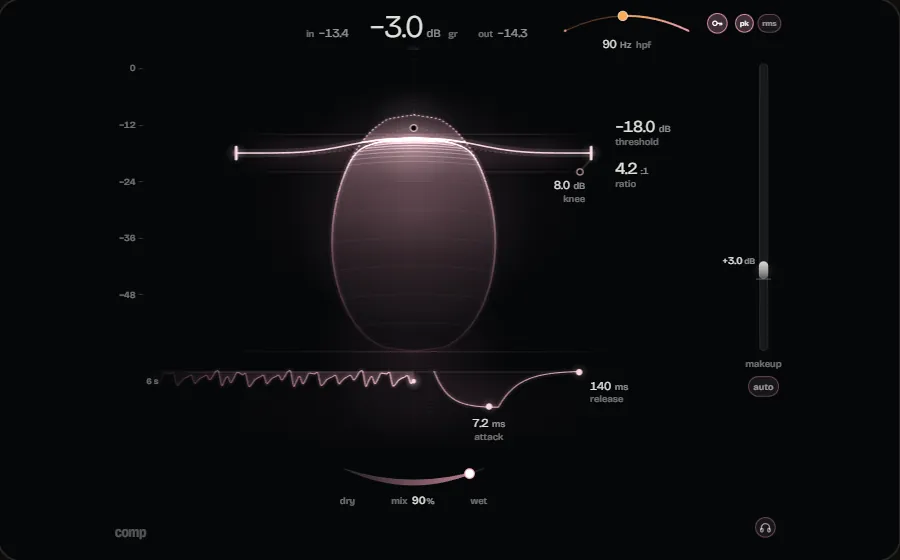
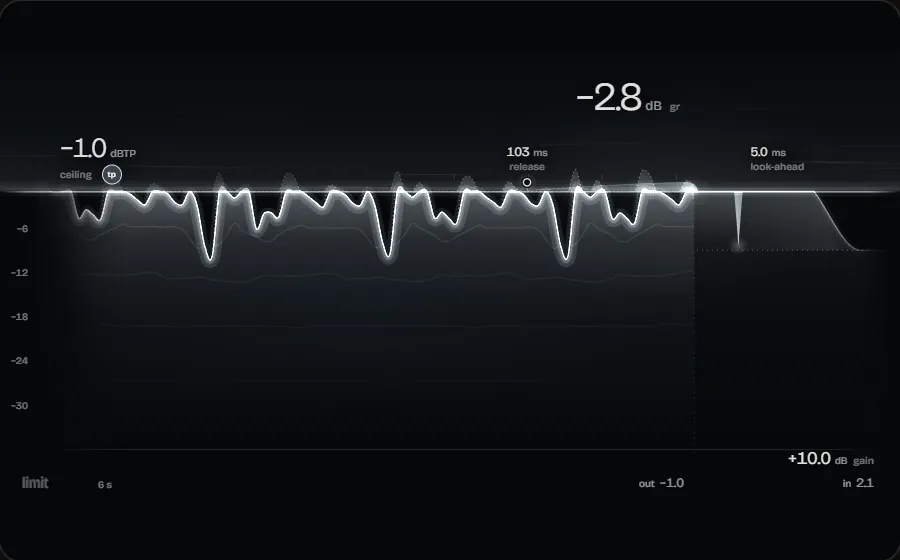
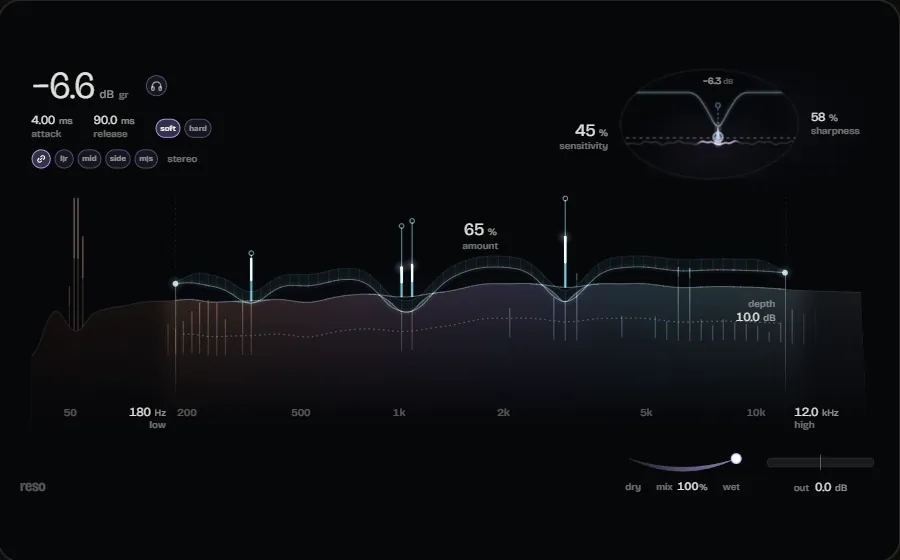
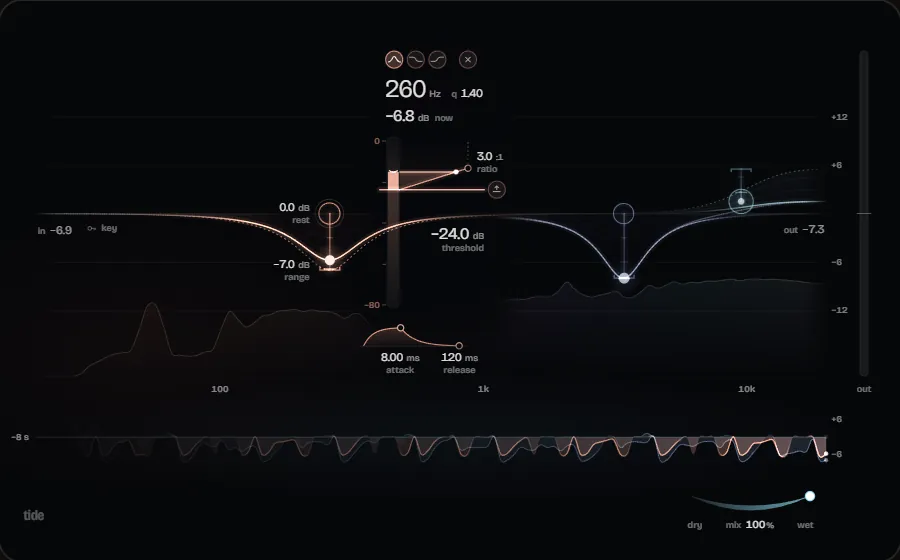
From an 8-band EQ with a live spectrum to a limiter with true-peak mode: all built-in plug-ins are part of the DAW and included in every licence.

See all plug-ins
  • Equalizer
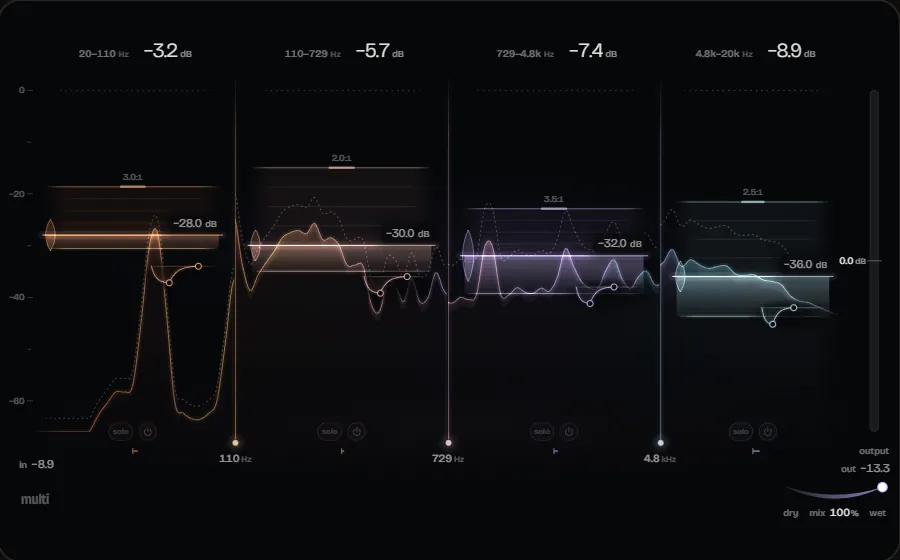
  • Compressor
  • Limiter
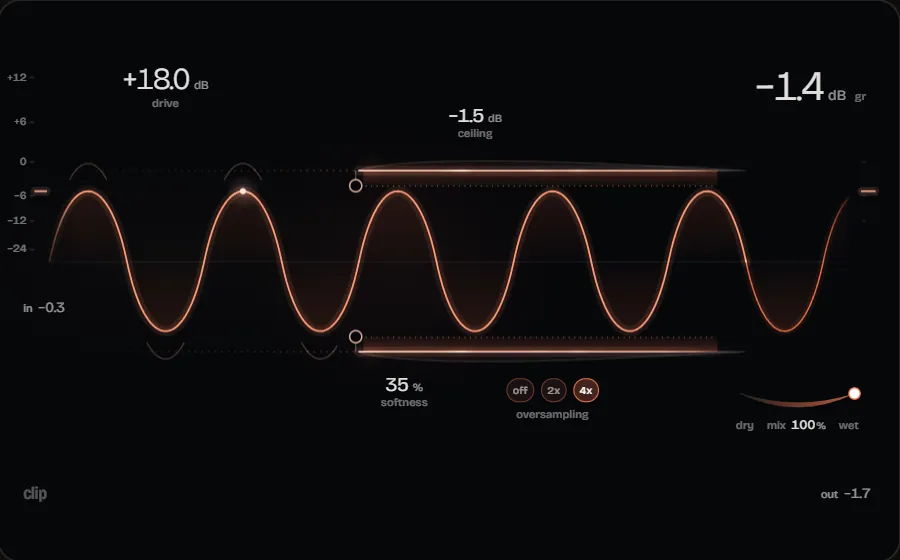
  • Clipper
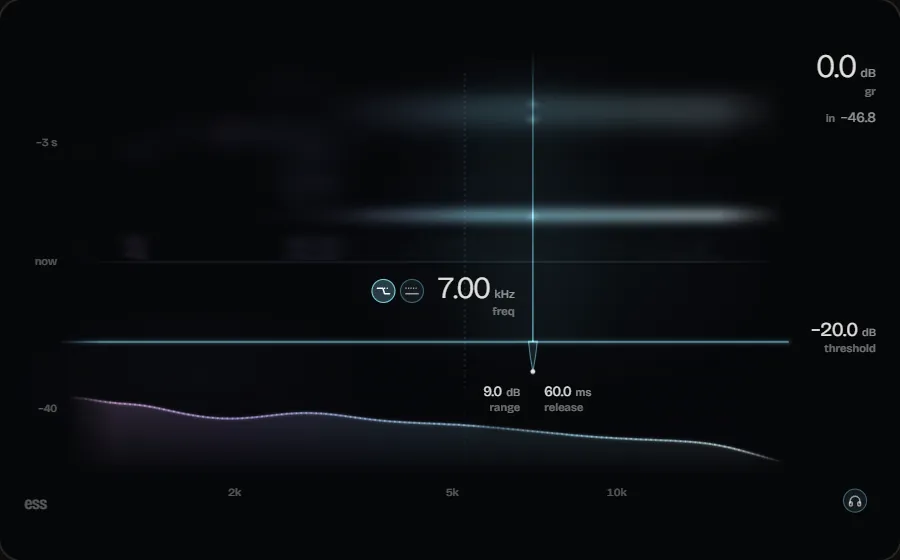
  • De-Esser
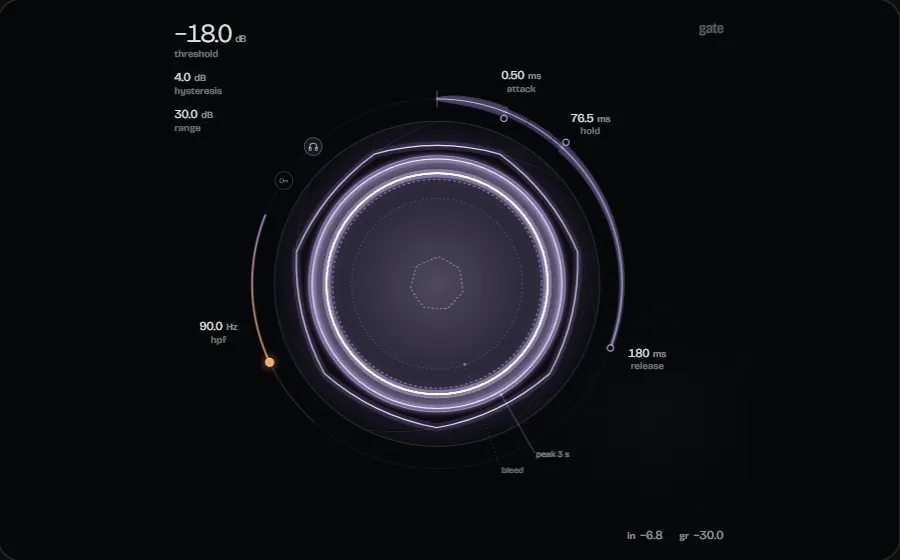
  • Gate
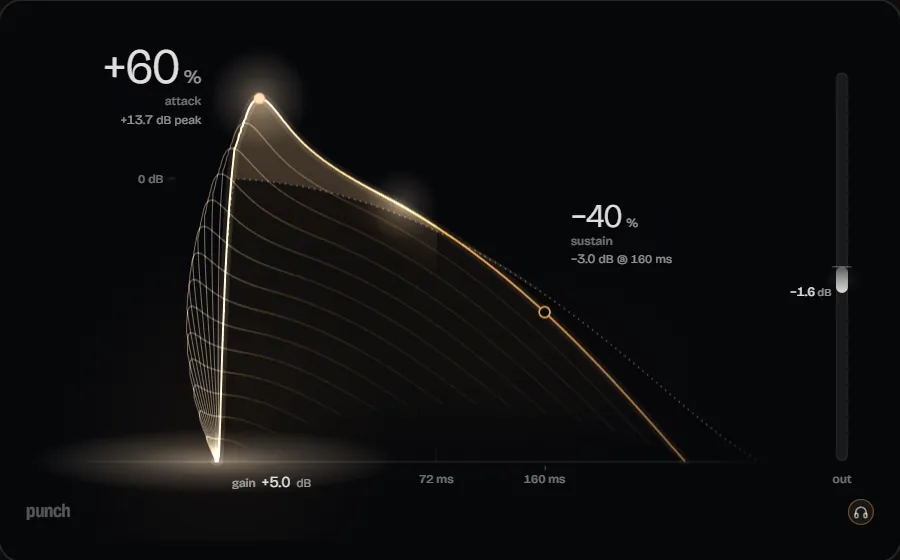
  • Transient Shaper
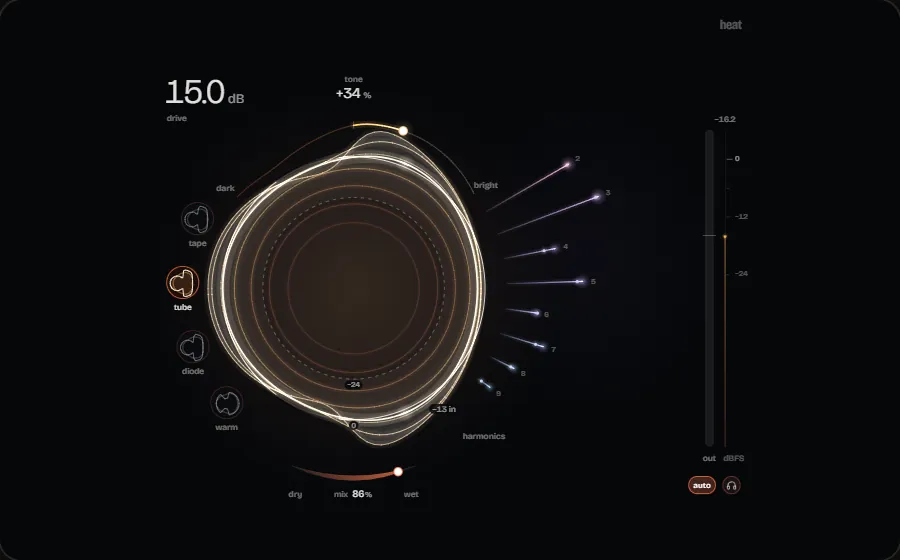
  • Saturation
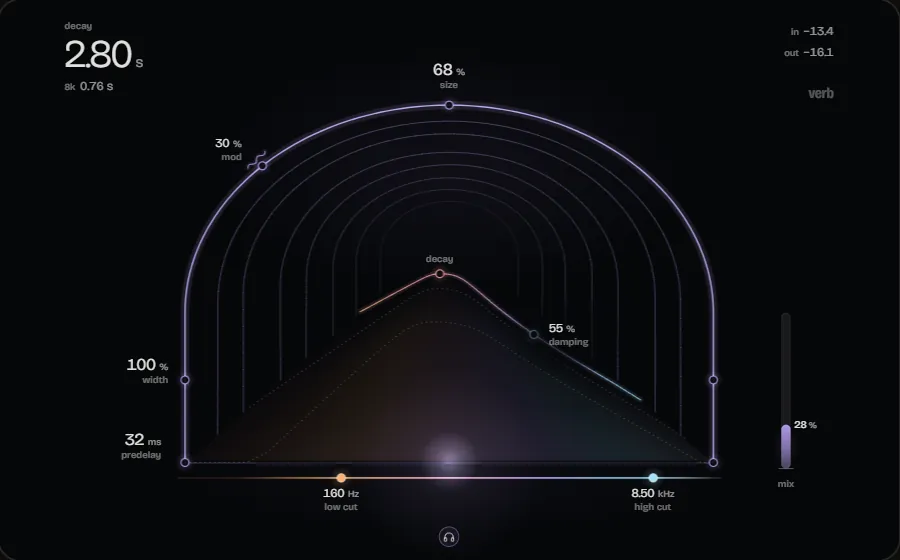
  • Reverb
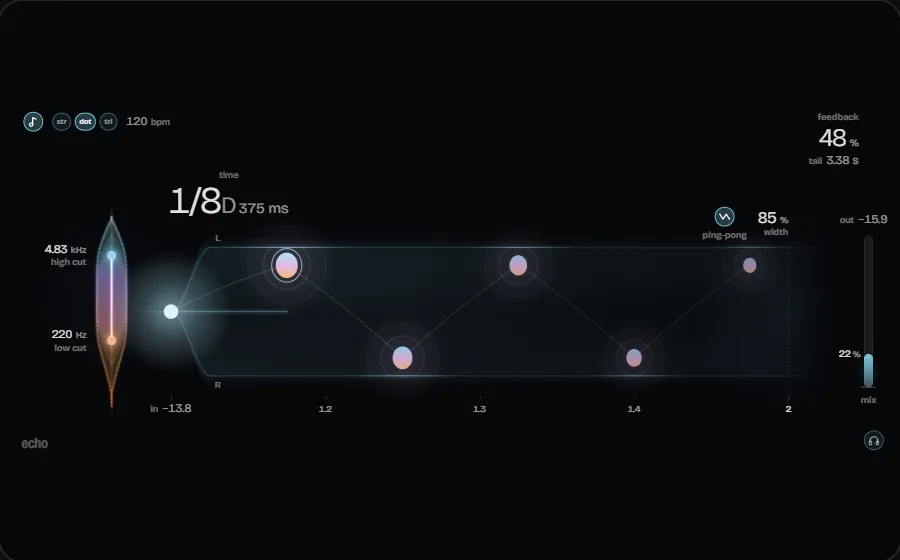
  • Delay
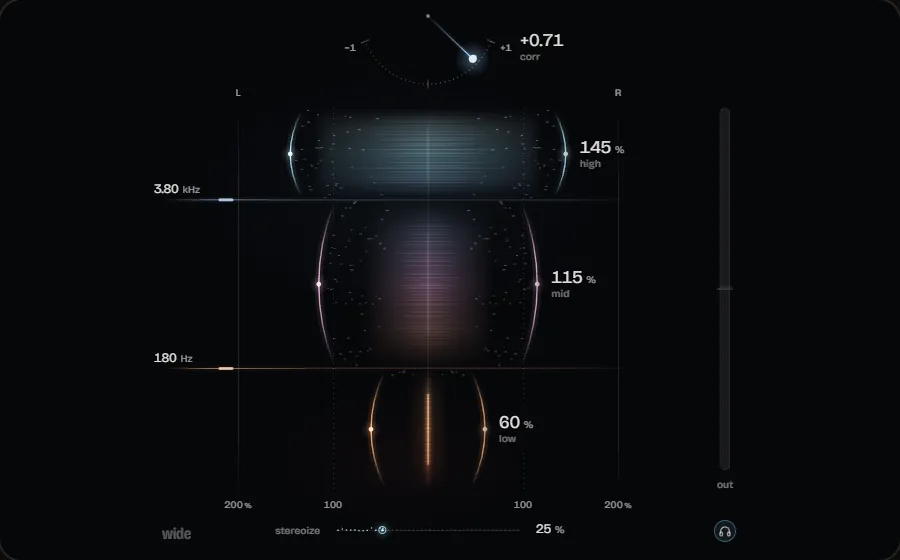
  • Stereo Imager
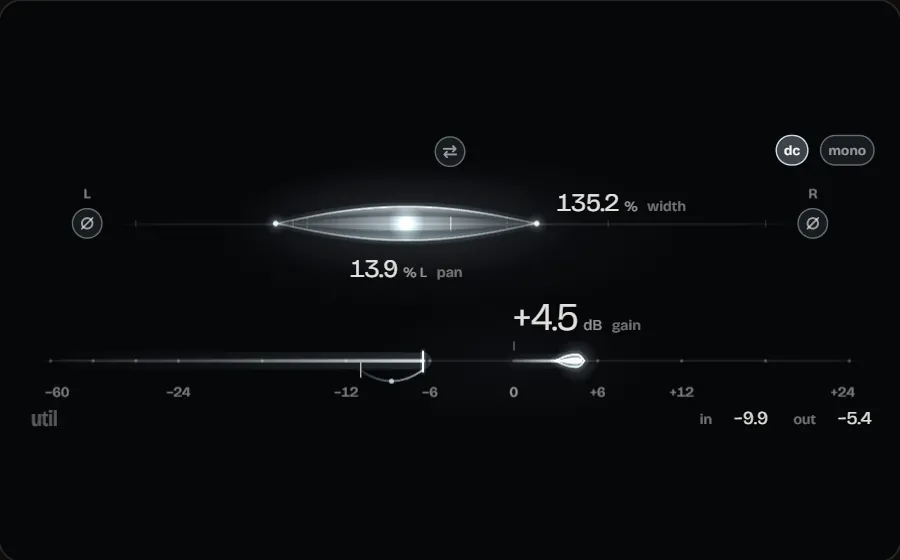
  • Utility
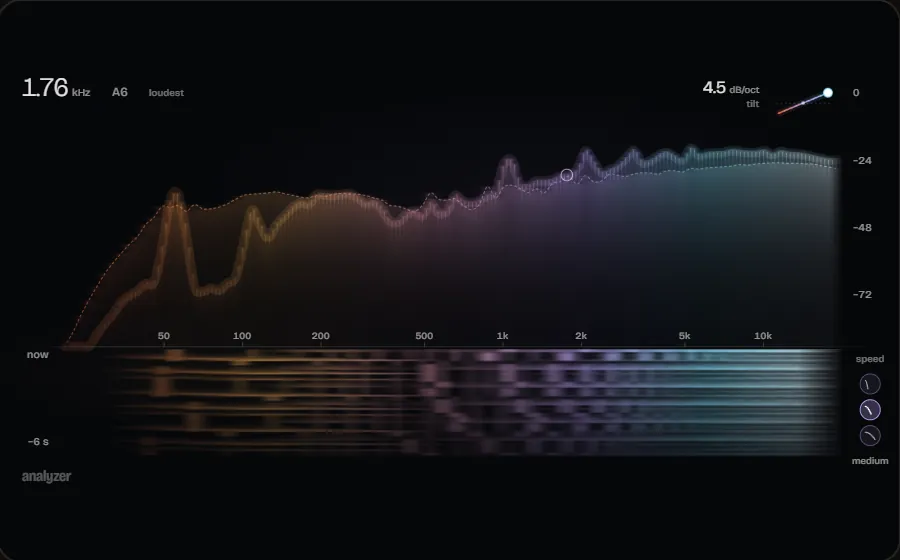
  • Analyzer
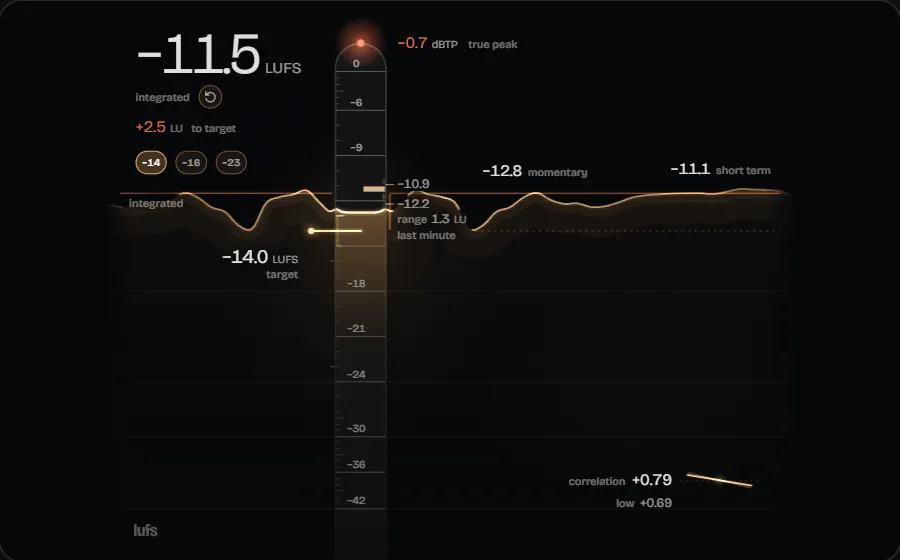
  • Loudness Meter
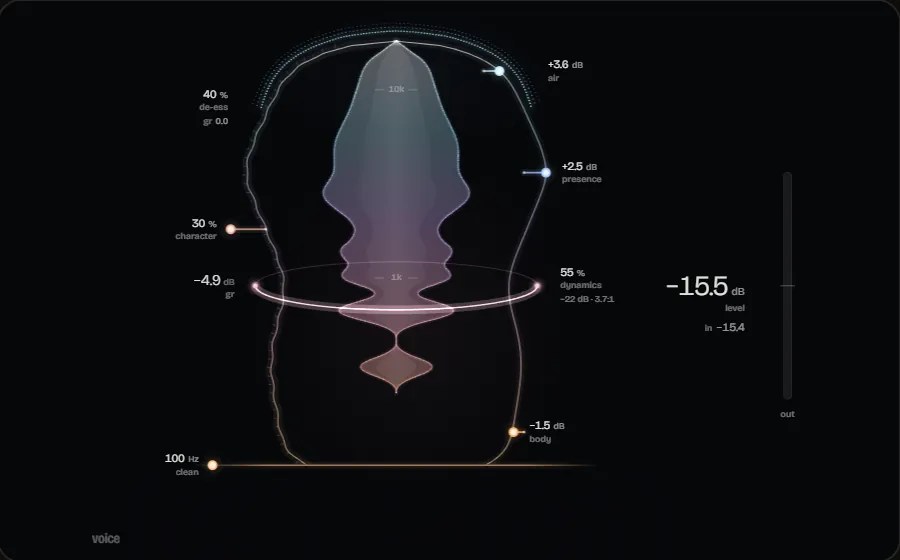
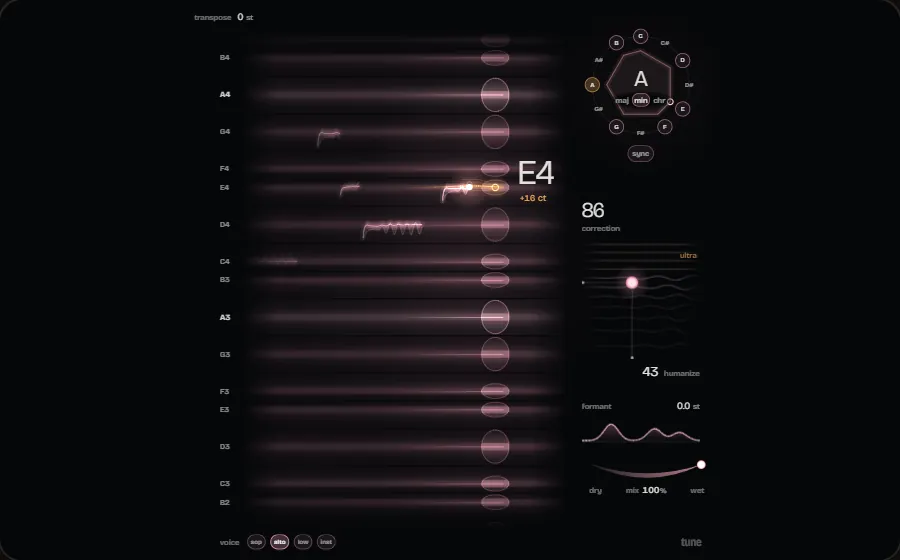
  • Vocal Processor
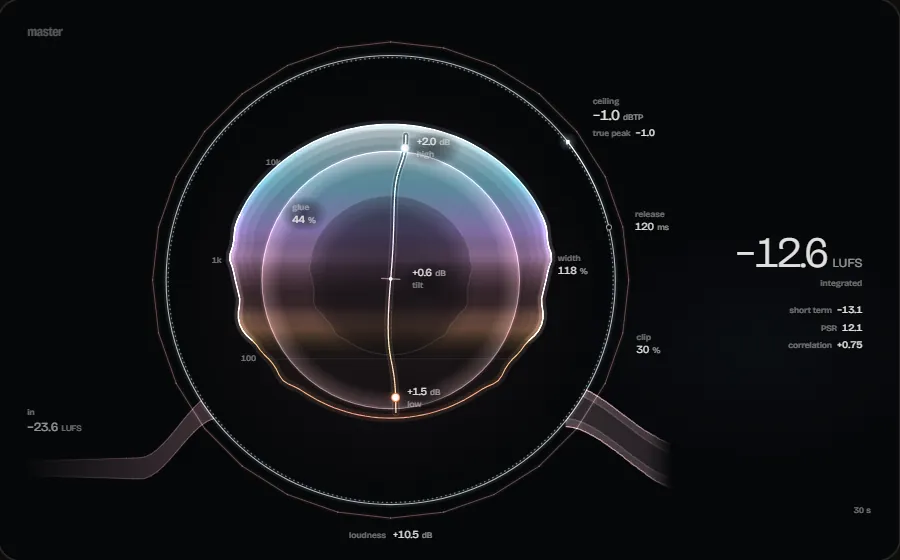
  • Mastering Processor
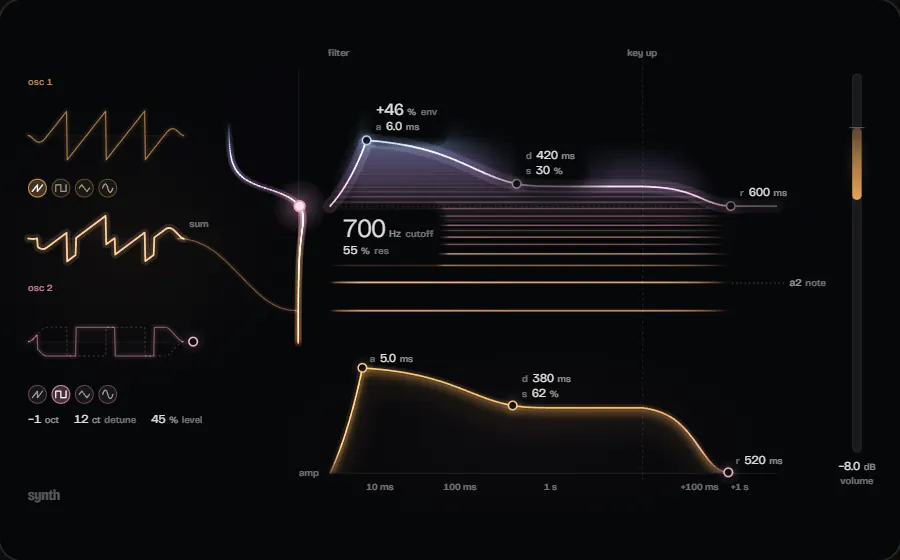
  • Synth

Pricing

One licence, everything included

Use Engineer Factory with a licence - monthly, yearly or as a one-off purchase. AI Mixing, AI Mastering and Mixing + Mastering are always included.

Engineer Factory · The licence
€12 a month · €120 a year · €199 once

Questions

Frequently asked questions

Do I need a licence to use Engineer Factory?

Yes. Engineer Factory is paid software: you need an account and a valid licence - monthly, yearly or once as Lifetime. Once you are signed in with a licensed account, you can download the installer via the download button or in your account. In the application you then sign in with the same account.

Do AI Mixing and AI Mastering cost extra?

No. AI Mixing, AI Mastering and Mixing + Mastering are part of the DAW and included in every licence. There is no separate AI tier.

Which plug-in formats does Engineer Factory support?

VST3, with automatic latency compensation. VST2 and AU are not supported. On top of that, 17 built-in plug-ins are included.

What are AI Mixing, AI Mastering and Mixing + Mastering?

They are the three modes of the AI Engineer inside the DAW: MIXING for the mix, MASTERING for the master, and MIXING + MASTERING for both in one pass. In all three it measures, it suggests, and you decide what is applied.

Get started with Engineer Factory

Install it, sign in with your account and start your first project. Using it requires a valid licence.

Version 2.1.0 · 83 MB · Windows 10 & 11, 64-bit

Downloading and using it requires an account with a valid licence.