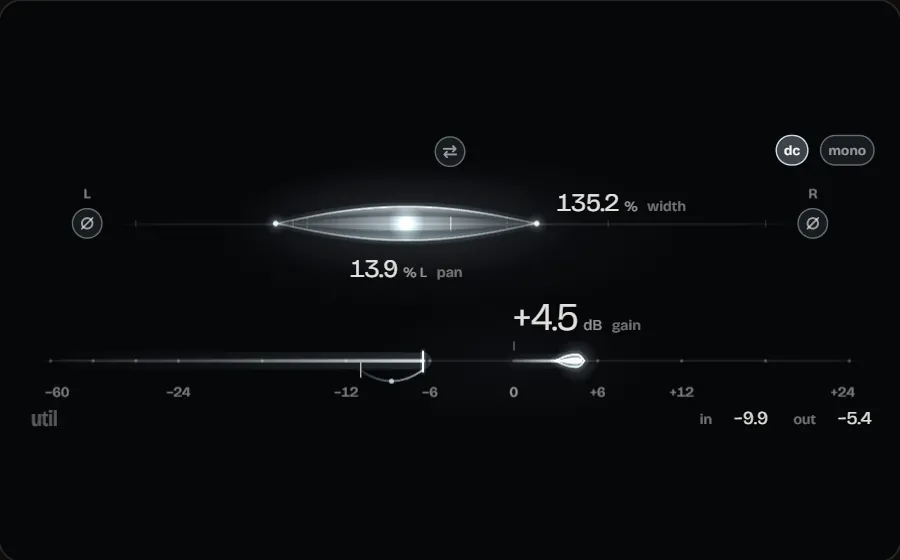
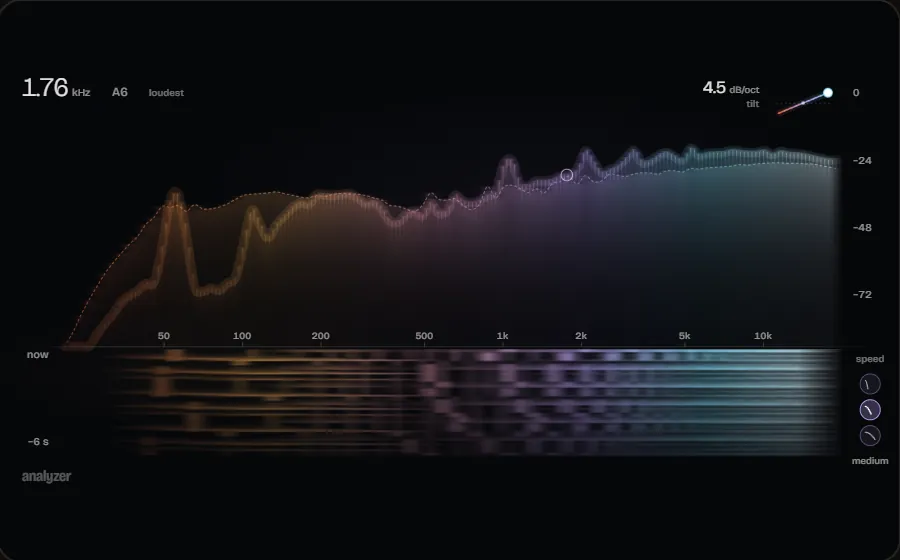
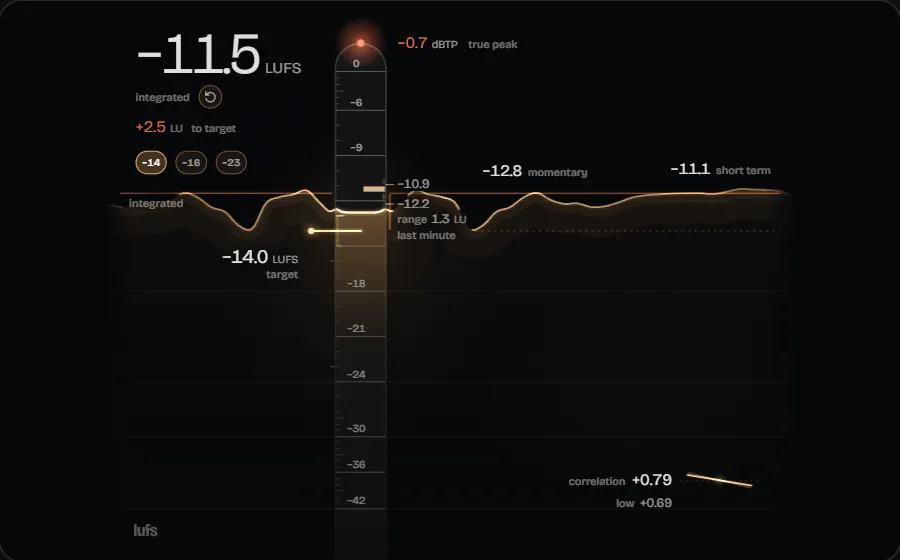
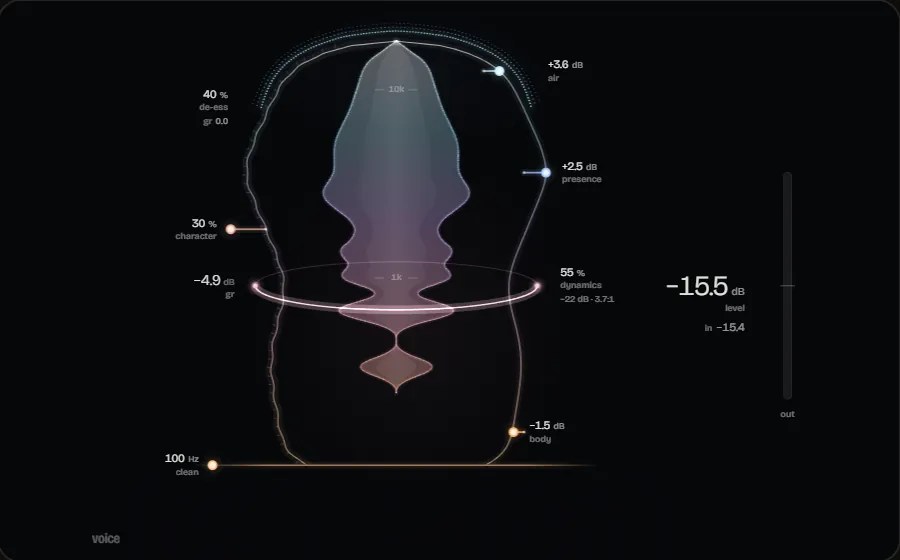
It measures before it proposes anything
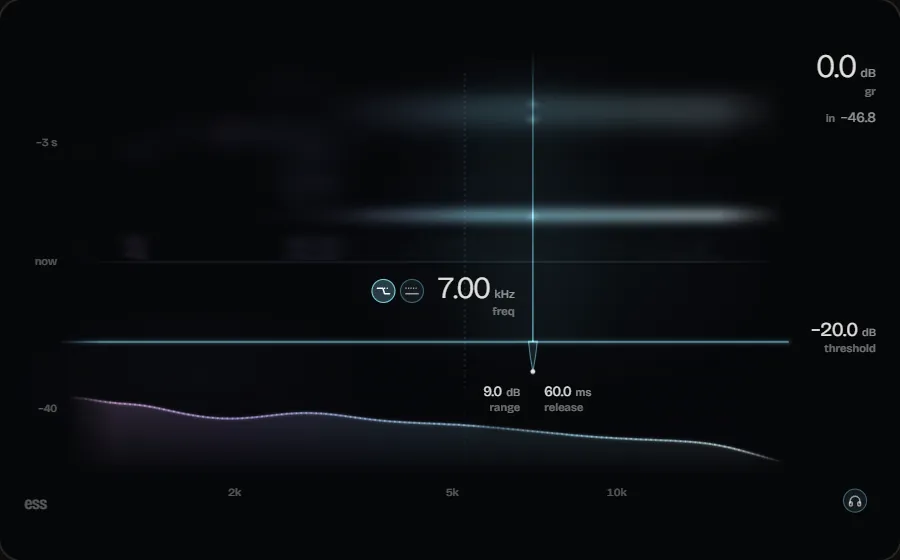
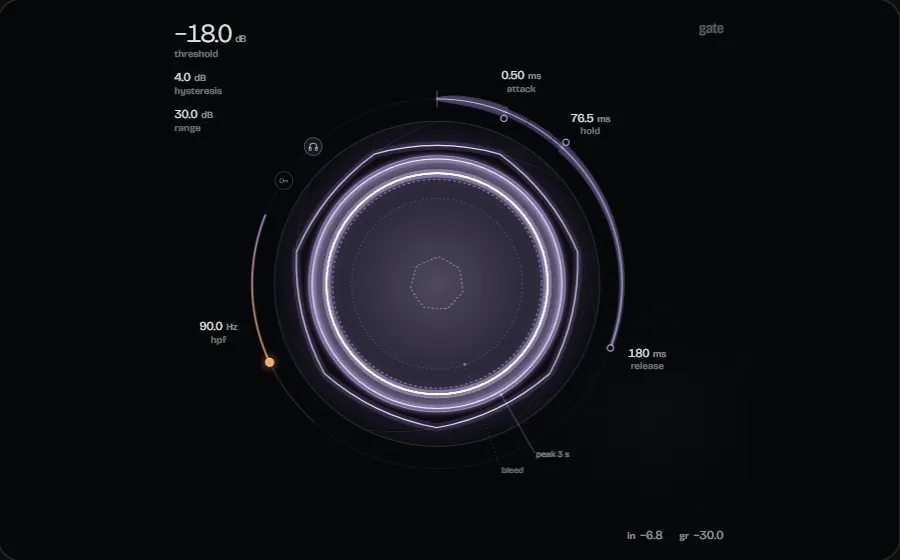
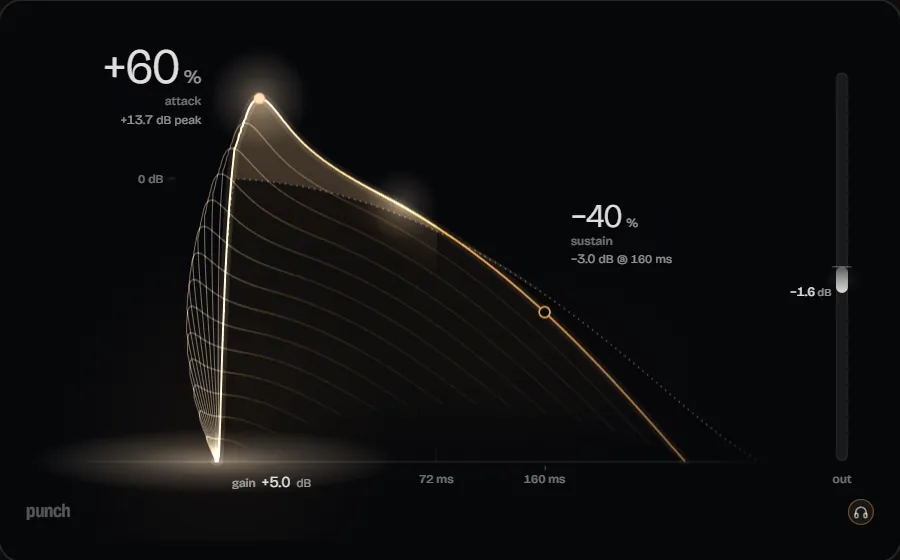
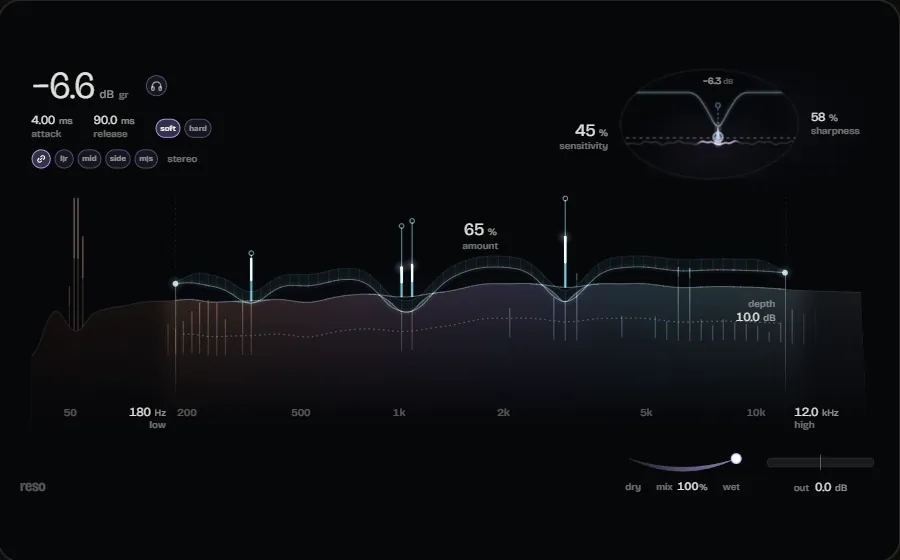
The AI Engineer renders your tracks after their plug-ins and measures spectrum, loudness, dynamics, stereo image, resonances and the masking between tracks. Every proposal names the measurements it rests on.
For Windows 10 & 11
Record, edit, mix and master in a professional DAW with a native audio engine. AI Mixing, AI Mastering and Mixing + Mastering are built in: the AI Engineer measures your tracks, proposes specific changes, and every one of them can be undone on its own.
Version 2.1.0 · 83 MB · Windows 10 & 11, 64-bit
Downloading and using it requires an account with a valid licence.

What makes it different
The AI Engineer renders your tracks after their plug-ins and measures spectrum, loudness, dynamics, stereo image, resonances and the masking between tracks. Every proposal names the measurements it rests on.
It uses the plug-ins that are already on the track - built-in ones and third-party VST3s alike - and otherwise inserts built-in ones. When it cannot control a plug-in, it says so.
Nothing changes until you apply it. Every applied proposal becomes a numbered action with before and after values and its own undo.
Built into the DAW
The AI Engineer works in three modes - right in your project, with your tracks and your plug-ins.
MIXING
The MIXING mode is about the mix: the AI Engineer measures the tracks of your project after their plug-ins and proposes changes that you apply one by one.
MASTERING
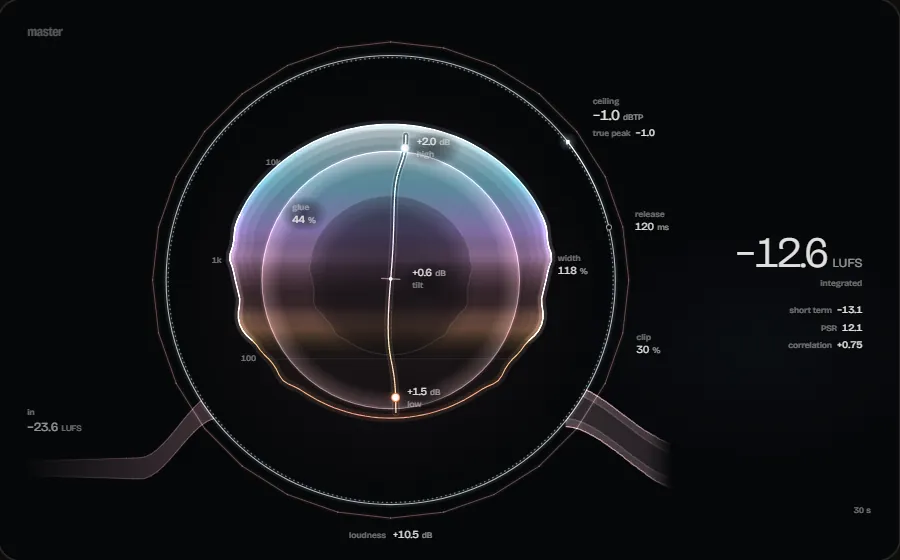
The MASTERING mode is about the master: it measures it and proposes the steps - every applied action with its values before and after.
MIXING + MASTERING
The MIXING + MASTERING mode joins the two in one run: first the mix, then the master.
AI Engineer
You write what bothers you or what you want to achieve. The AI Engineer measures, proposes changes, and you apply them one by one or all at once. Every action shows its values before and after.

New in 2.1: the plug-in chain
The chain shows a track's plug-ins in the order they process. Drag them into a new order, switch them off, compare them fairly - and let the kick drive the compressor on the bass.

The DAW
Engineer Factory is a complete DAW - and the AI Engineer is a part of it, not an add-on.
Record audio and MIDI, choose takes, edit clips non-destructively.
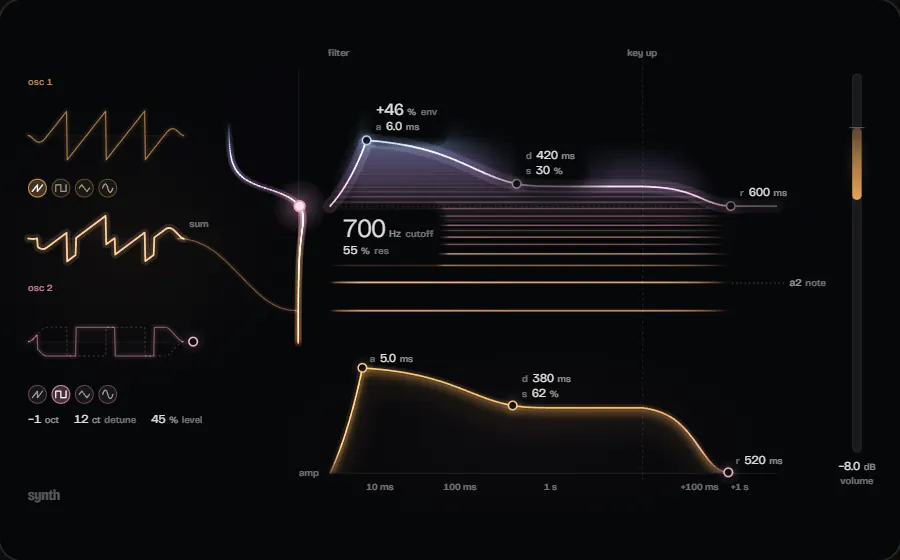
Piano roll, quantize and a built-in synth, so something sounds straight away.
Faders, sends, buses, side-chain and loudness metering on the master.
Volume, pan, sends and plug-in parameters - in four modes.
VST3 with automatic delay compensation and a scan no plug-in can take down.
WAV, FLAC and OGG Vorbis, normalised to a loudness target.
Atomic saving, automatic backups, autosave and crash recovery.
A command bar, shortcut presets for switchers and a reference track to compare against.
Built-in plug-ins
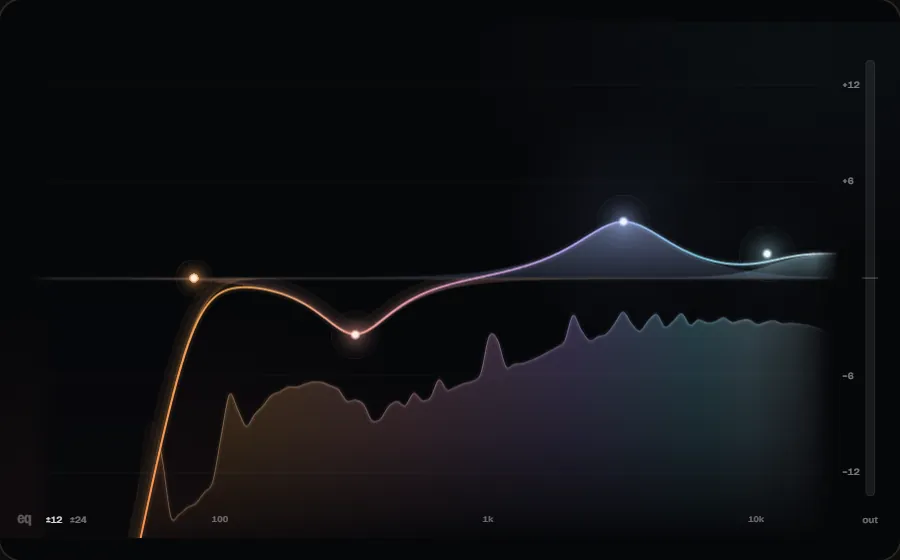
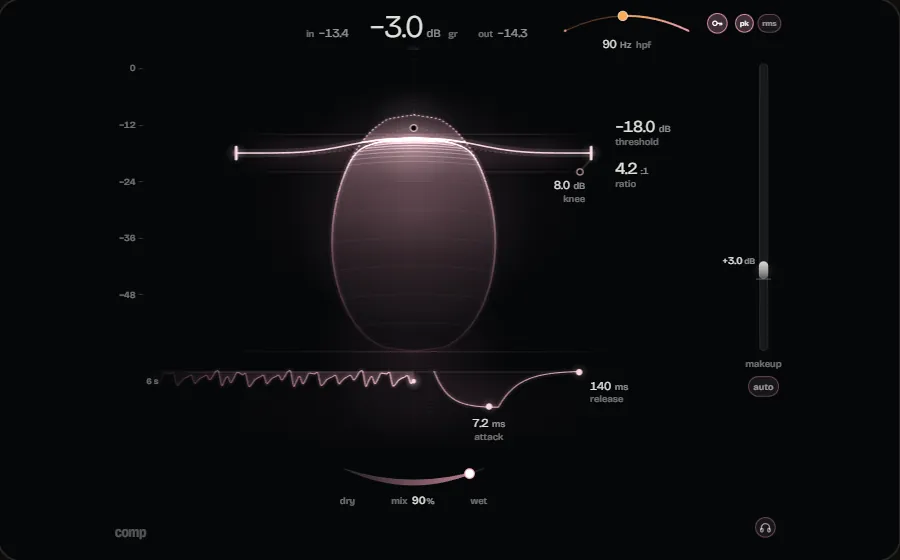
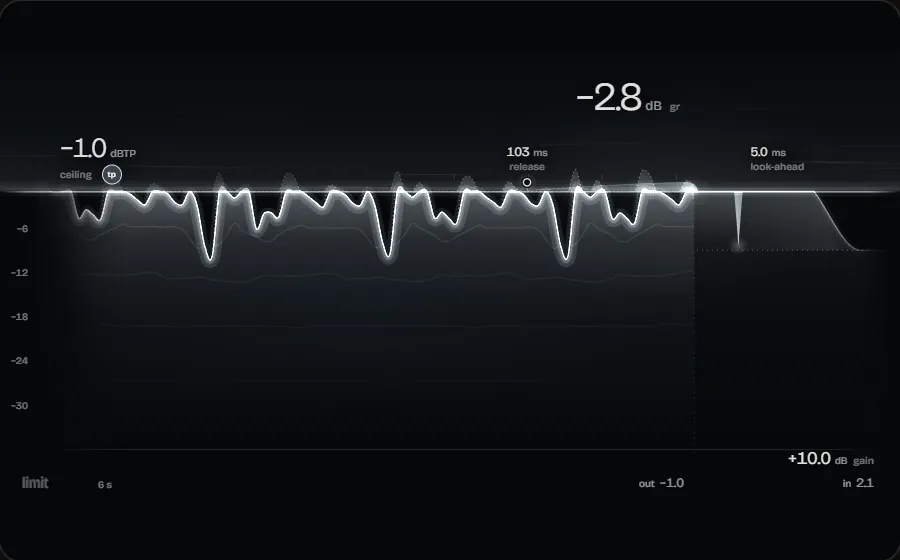
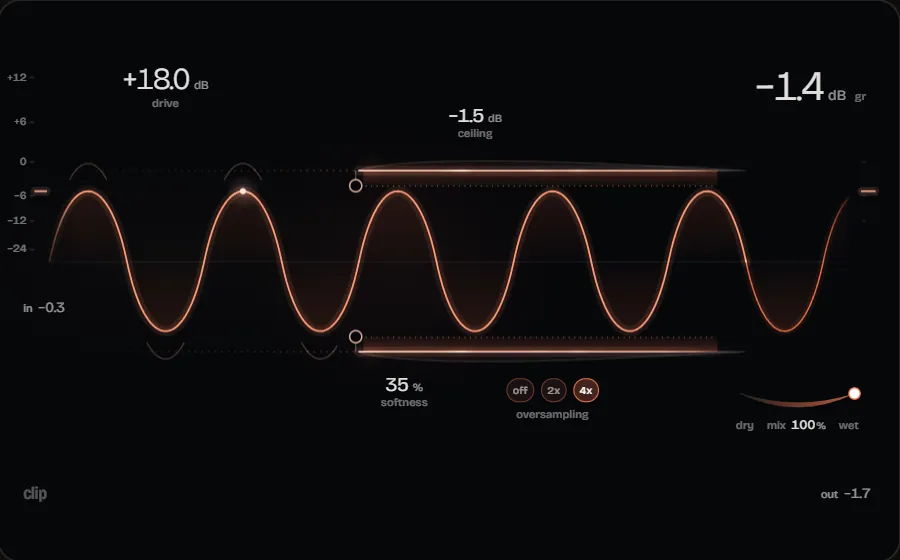
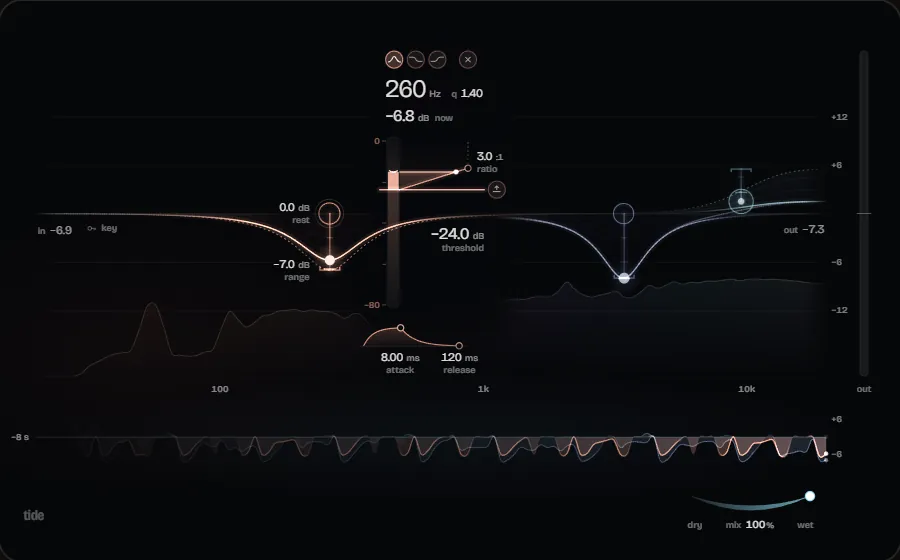
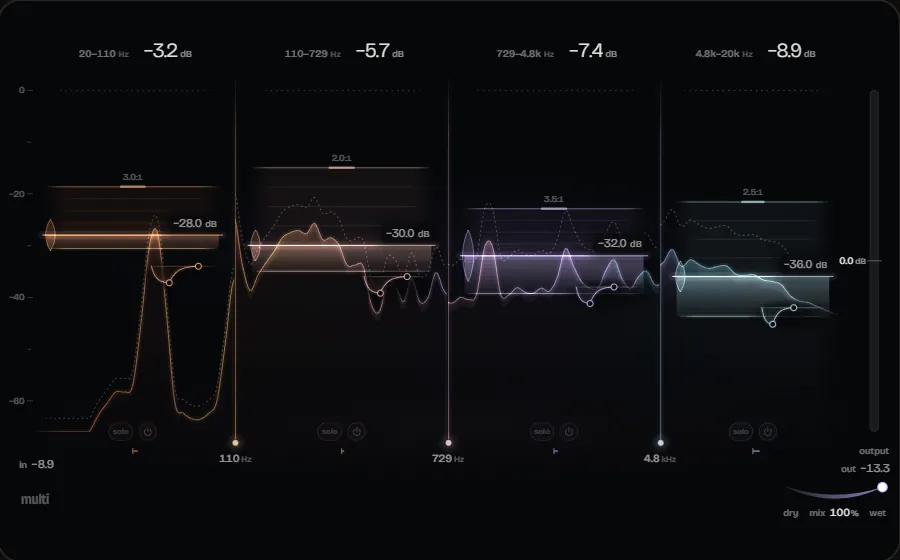
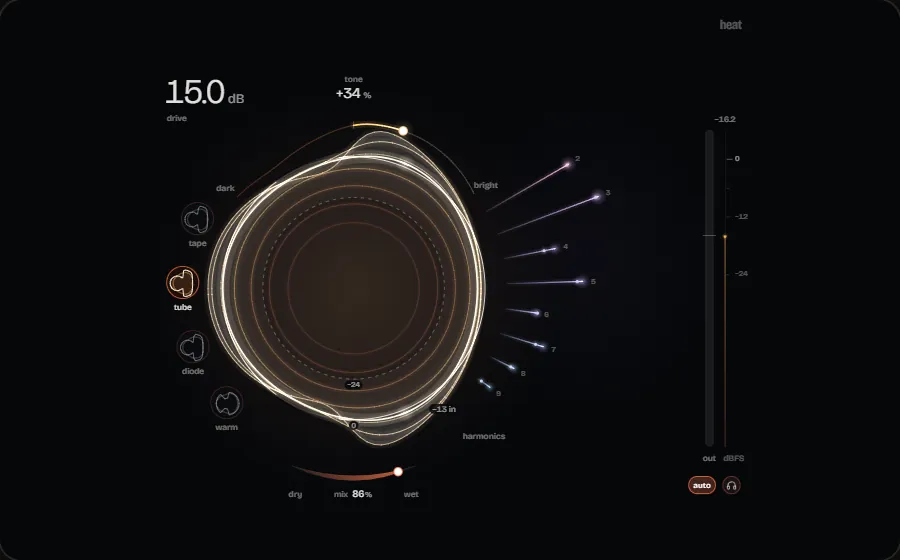
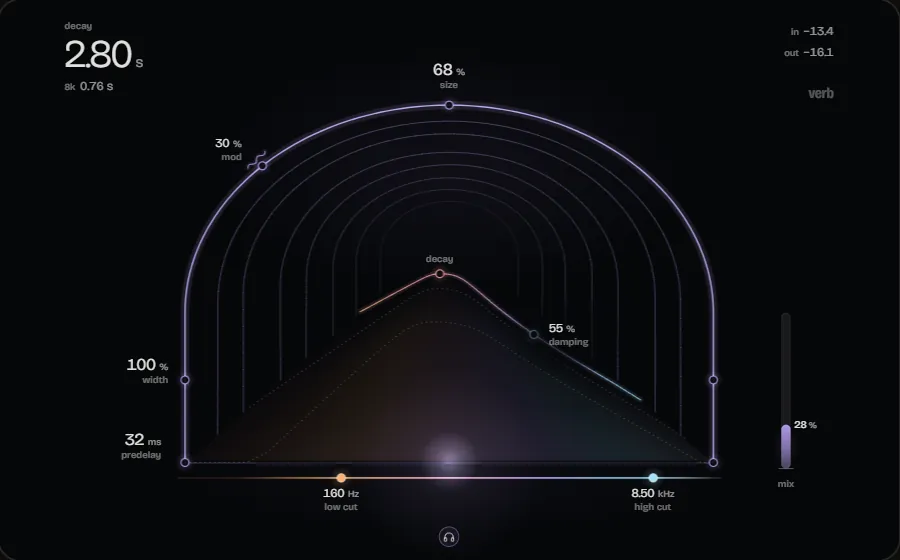
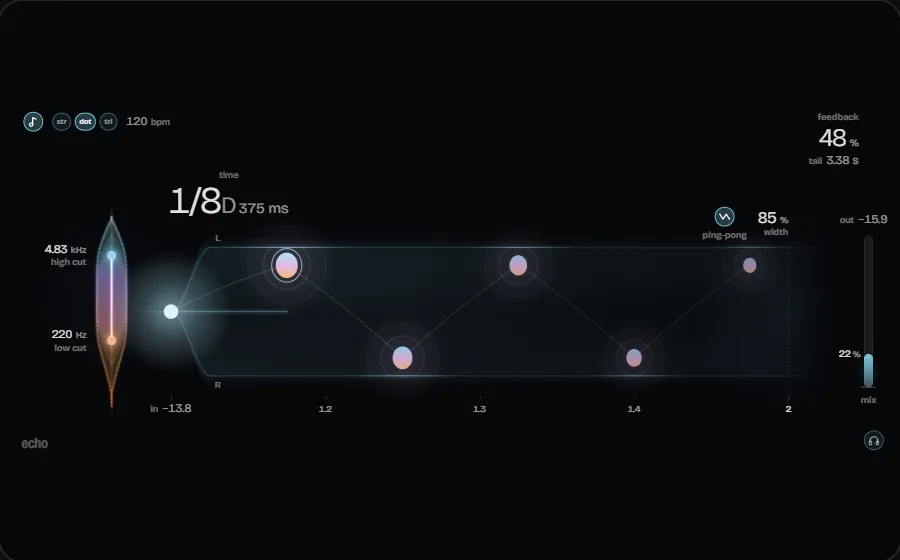
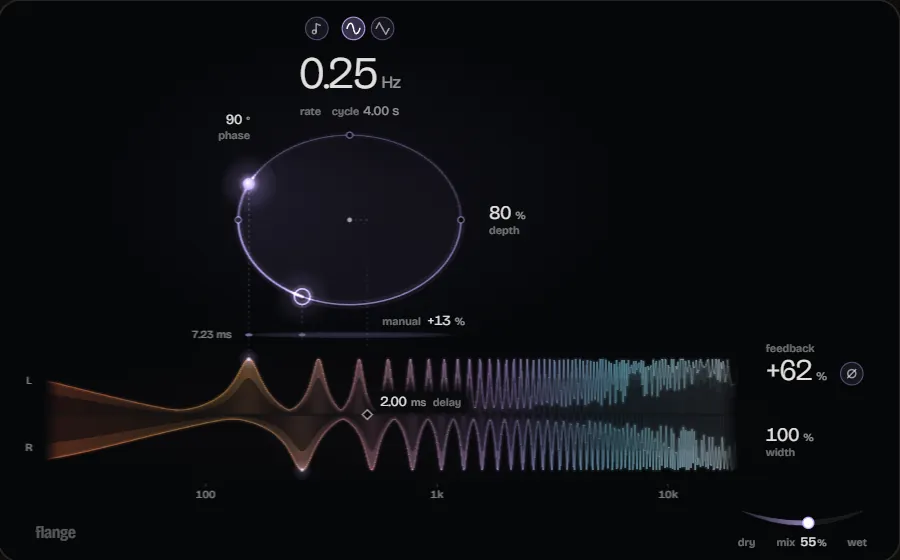
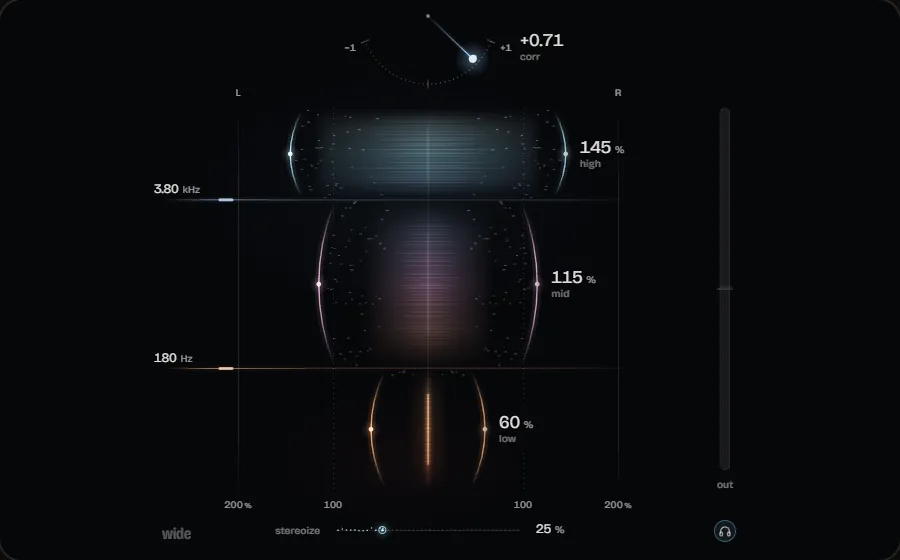
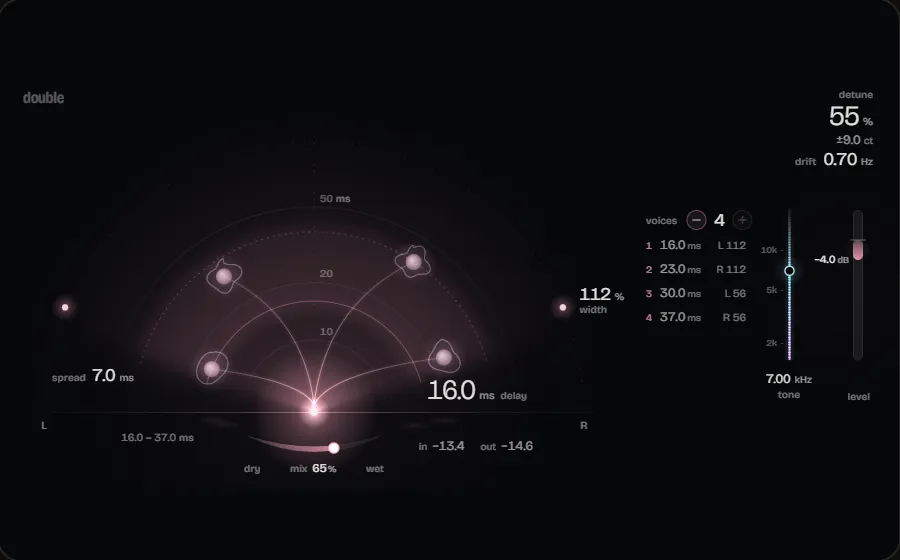
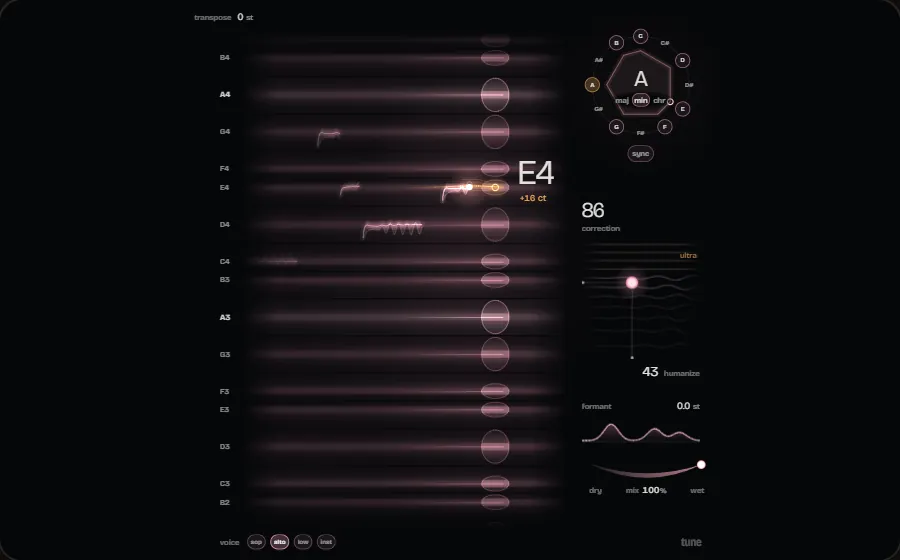
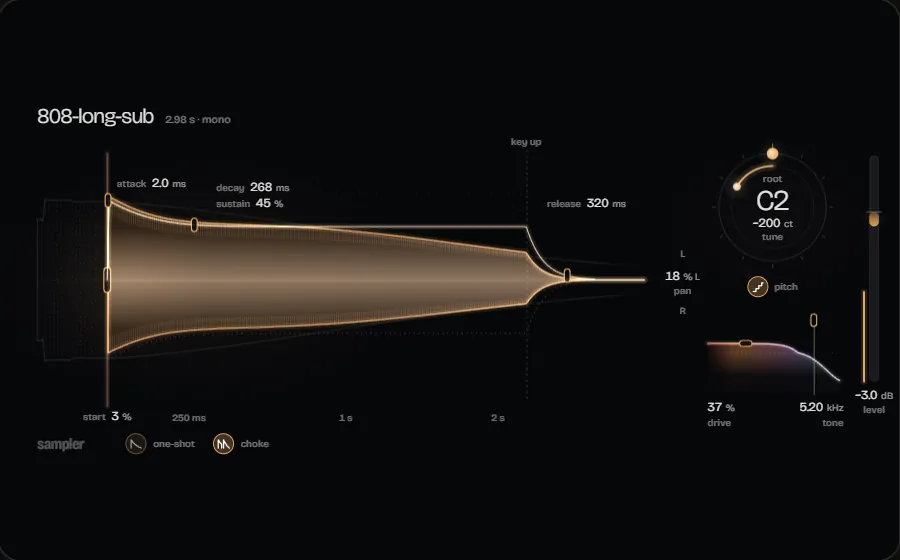
From the 8-band Equalizer with a live spectrum to the Limiter with look-ahead and true-peak mode. All of them are part of the DAW and included in every licence.
See all plug-insPricing
You use Engineer Factory with a licence: monthly, yearly or as a one-off purchase. AI Mixing, AI Mastering and Mixing + Mastering are part of every licence.
Questions
Yes. Engineer Factory is paid software: using it requires an account and a valid licence - monthly, yearly or once as Lifetime. You get the installer once you are signed in with an account that holds a valid licence - through the download button or in your account; inside the application you then sign in with the same account.
No. AI Mixing, AI Mastering and Mixing + Mastering belong to the DAW and are included in every licence. There is no separate AI tier.
VST3, with automatic delay compensation. VST2 and AU are not supported. On top of that there are 17 built-in plug-ins at no extra cost.
They are the three modes of the AI Engineer inside the DAW: MIXING for the mix, MASTERING for the master, and MIXING + MASTERING for both in one run. In all three it measures, it proposes, and you decide what gets applied.
Install it, sign in with your account, create a project, record. Using it requires a valid licence.
Version 2.1.0 · 83 MB · Windows 10 & 11, 64-bit
Downloading and using it requires an account with a valid licence.